Export a lab to EVE-NG or GNS3 format
Migration isn't only one-way. If you need to hand a topology to someone still on EVE-NG or GNS3 - or just want a file in their native format - the topology Export dialog writes a real .unl or .gns3 project alongside PNG/PDF/SVG/JSON.
Open + Add → Box (any annotate tool works) to reveal the draw toolbar, then click its Export button and pick EVE-NG from the format row.
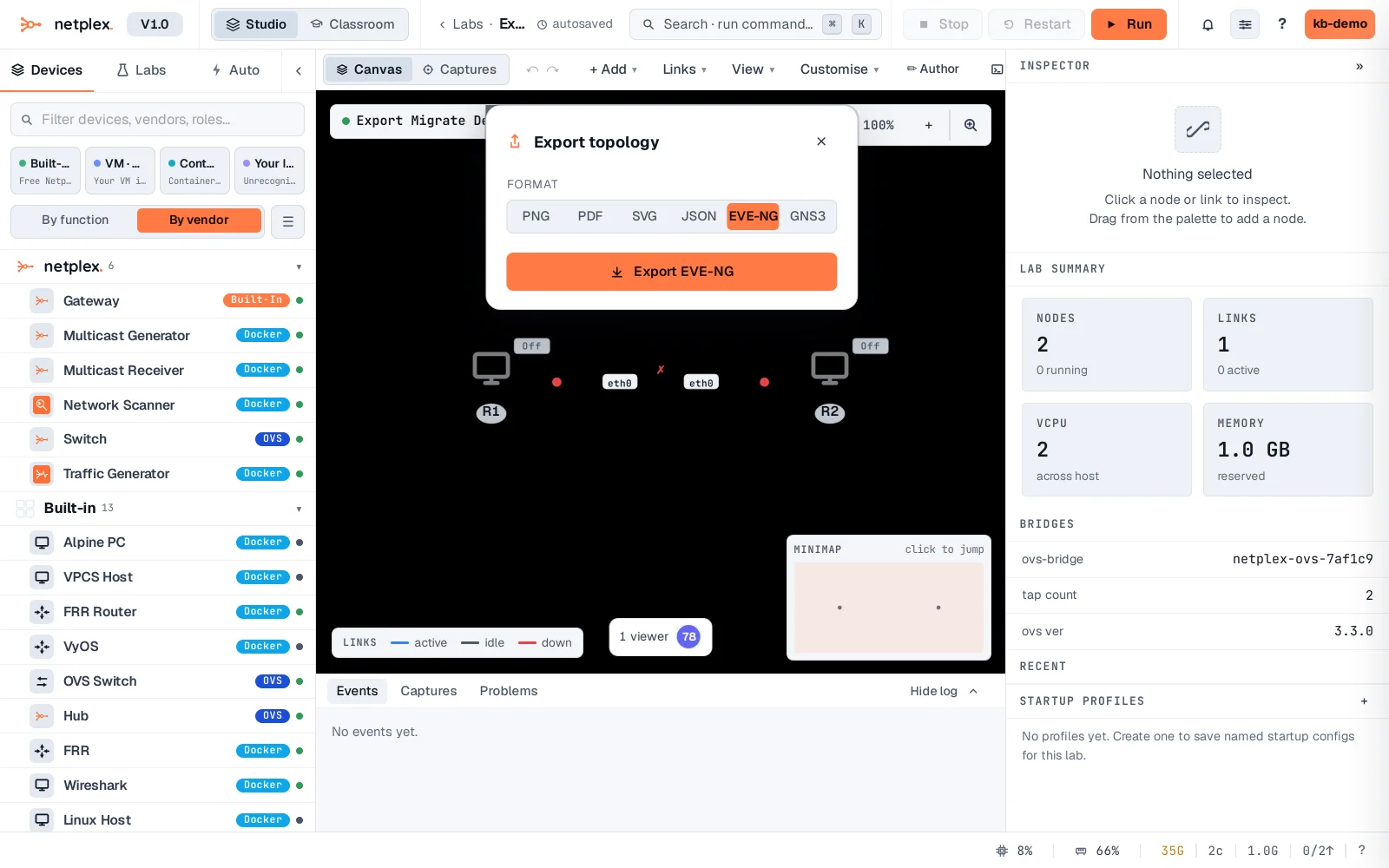
Click Export EVE-NG. A real .unl project file downloads immediately - the same file format EVE-NG itself reads, not a lookalike.
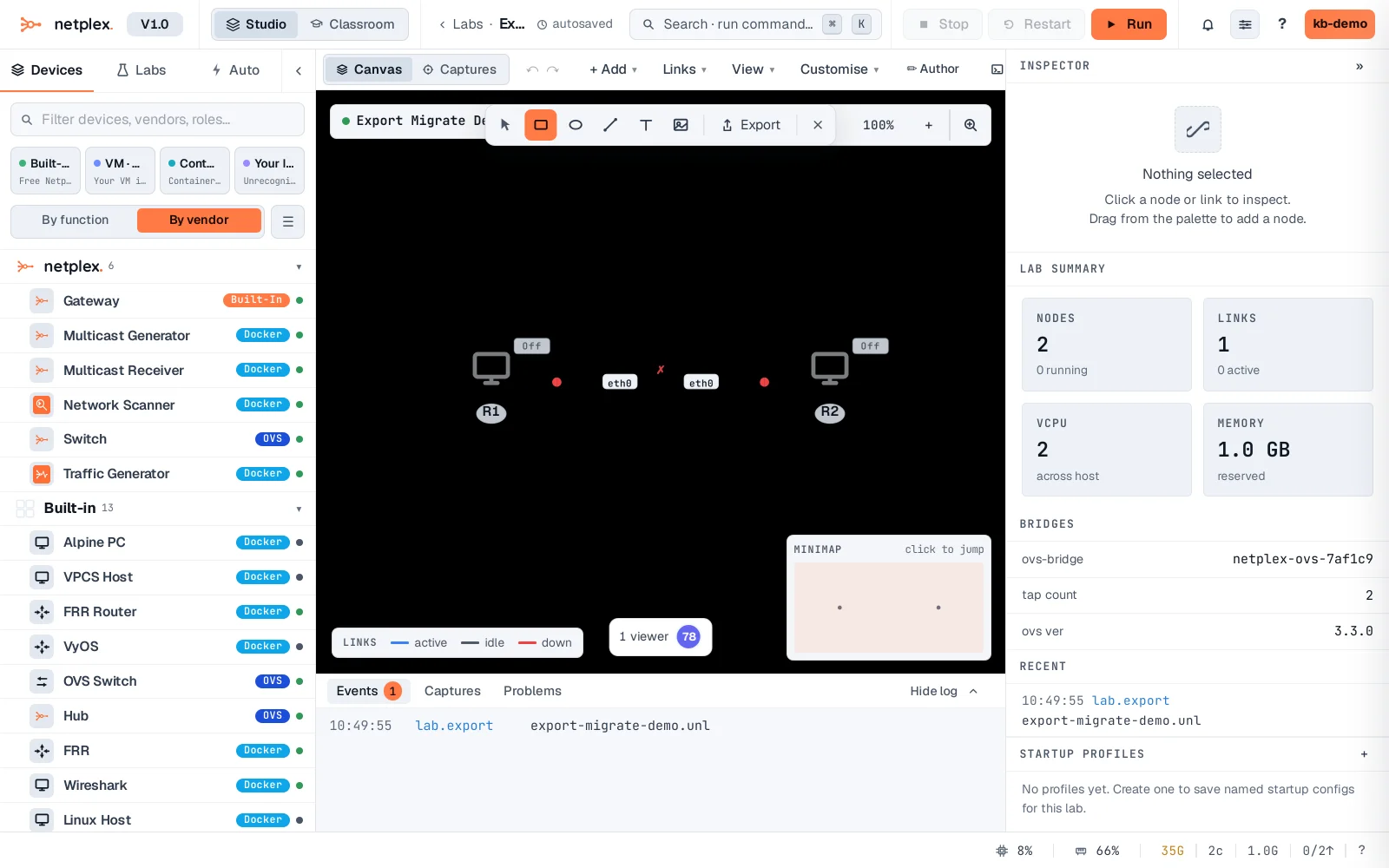
GNS3 works the same way - pick GNS3 in the format row instead, and a real .gns3 project downloads. Neither format is netplex.'s native .npx - for a lab you'll keep working on in netplex., export/import as .npx instead (see "Export and import labs").