Import from EVE-NG, GNS3 or ContainerLab
netplex. imports every major lab format through one Import button on the Labs page. It auto-detects whatever you drop in and converts it to the native .npx model - nodes, interfaces and links - so nothing is rebuilt, whichever tool you are leaving. This page is the quick reference; for a click-by-click walkthrough, open the guide for your source.
| Coming from | Bring this file | Step-by-step |
|---|---|---|
| EVE-NG | .unl export | EVE-NG guide |
| GNS3 | .gns3 / .gns3project | GNS3 guide |
| ContainerLab | .clab.yml topology | shown below |
| netplex. | native .npx | - |
| Several at once | a .zip of any | - |
On the Labs page, click Import (top-right) and pick your file - the picker accepts every supported format.
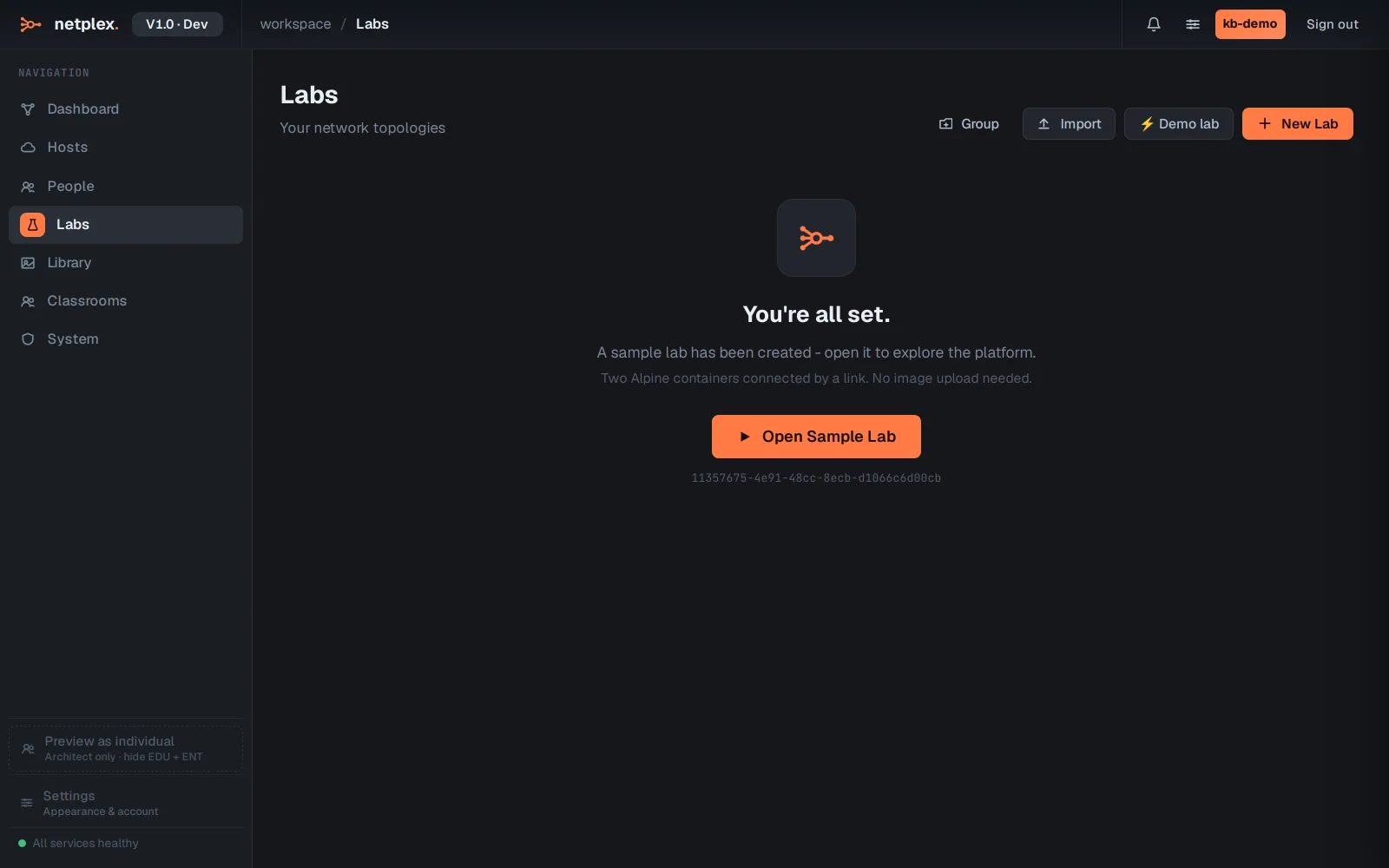
The converted lab lands in your Labs list, migrated not rebuilt. Open it, assign images where a template did not match, and start it.
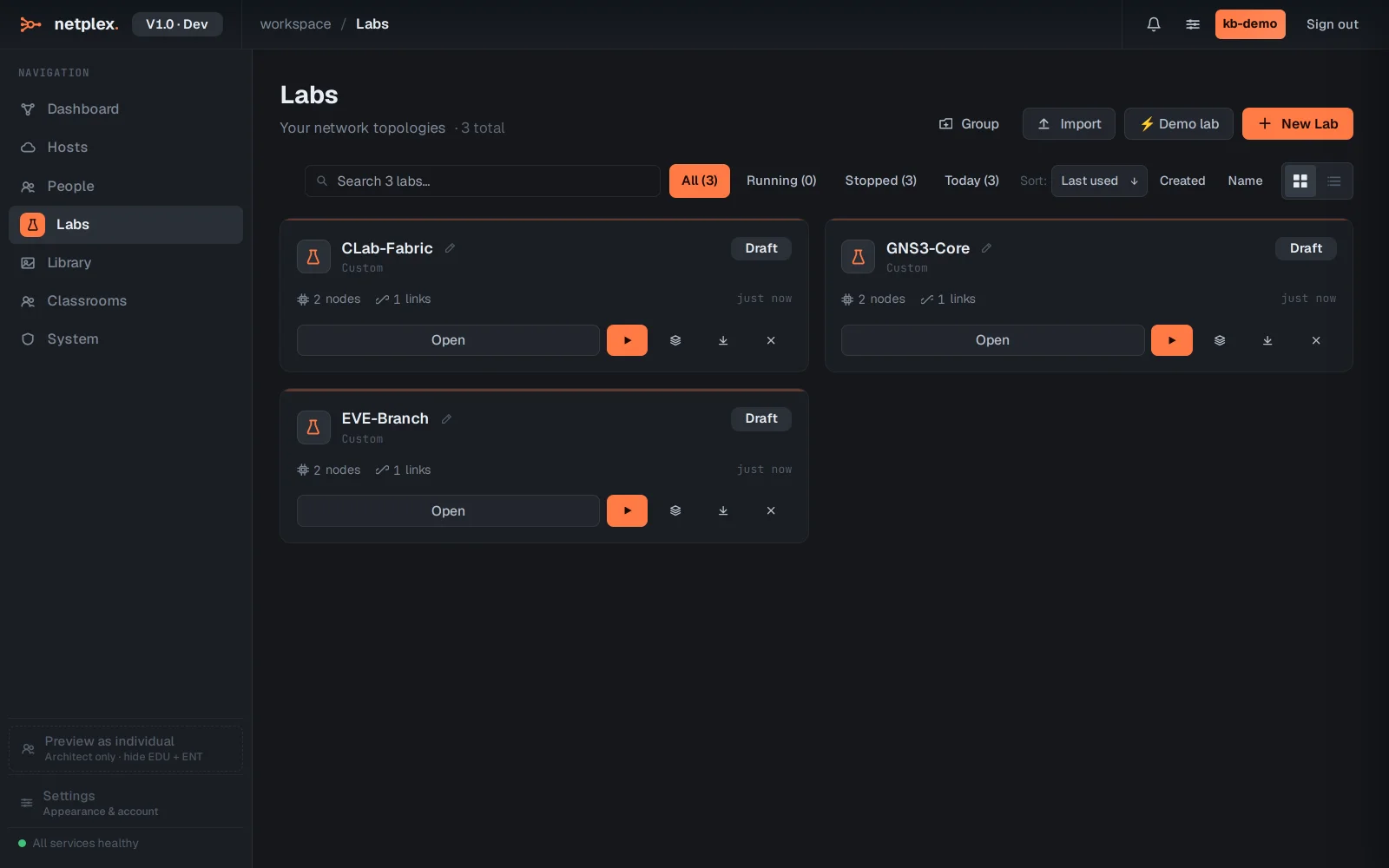
Where a vendor image is not matched automatically, open the node and pick the right image from your Library - the topology is already correct. Leaving EVE-NG in particular? See the full EVE-NG alternative comparison.