Import a ContainerLab topology
A ContainerLab .clab.yml topology converts straight into a netplex. lab - same nodes, same links, now on a visual canvas instead of a YAML file. Useful for teams standardised on ContainerLab's Docker-native workflow who want the drag-and-drop canvas, consoles and packet capture on top without re-describing the topology by hand.
On the Labs page, click Import and pick the .clab.yml file - no separate ContainerLab-specific button, the format is auto-detected the same as any other supported source.
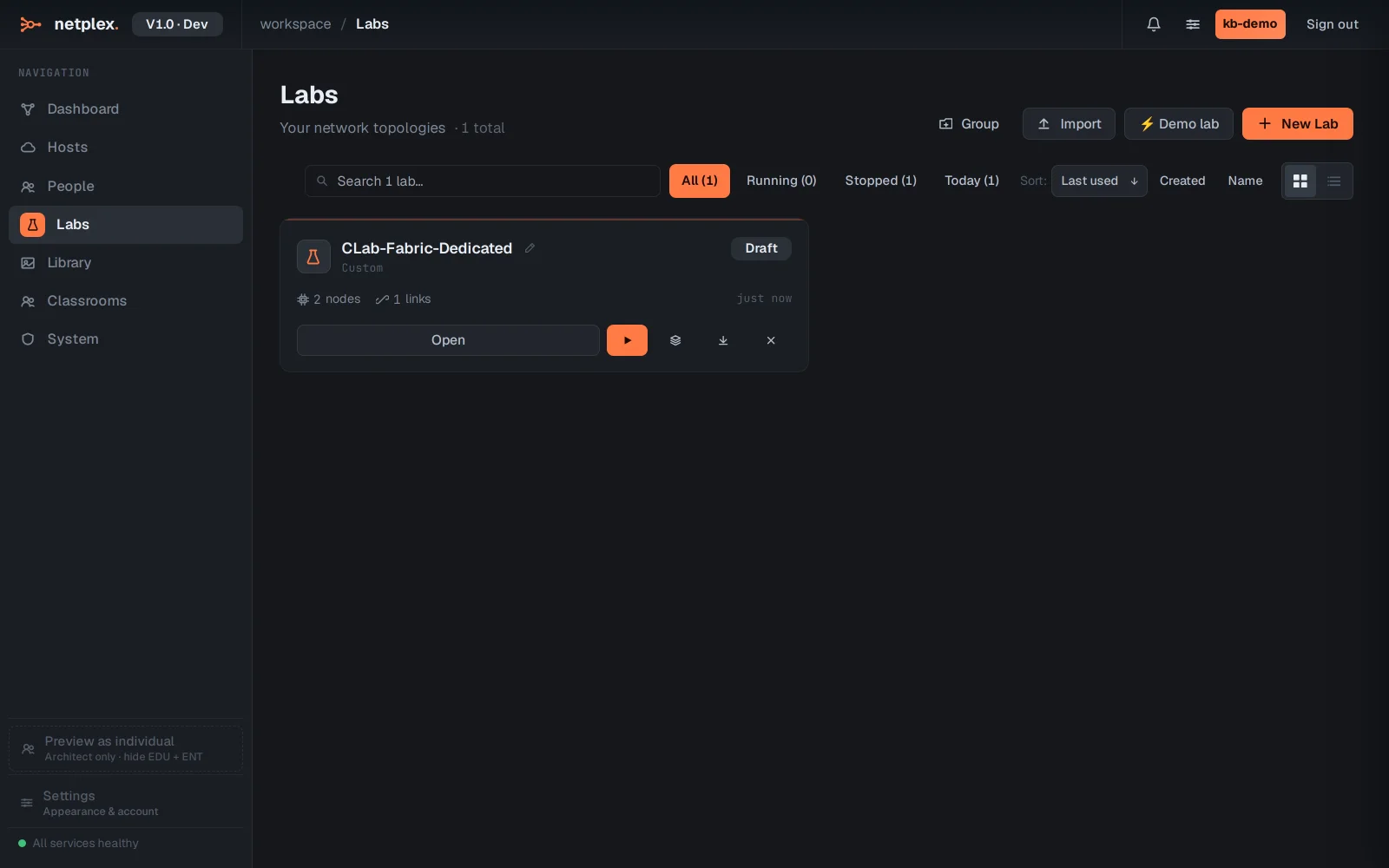
Open the new lab - both nodes and the link between them landed exactly as defined in the .clab.yml, ready to power on.
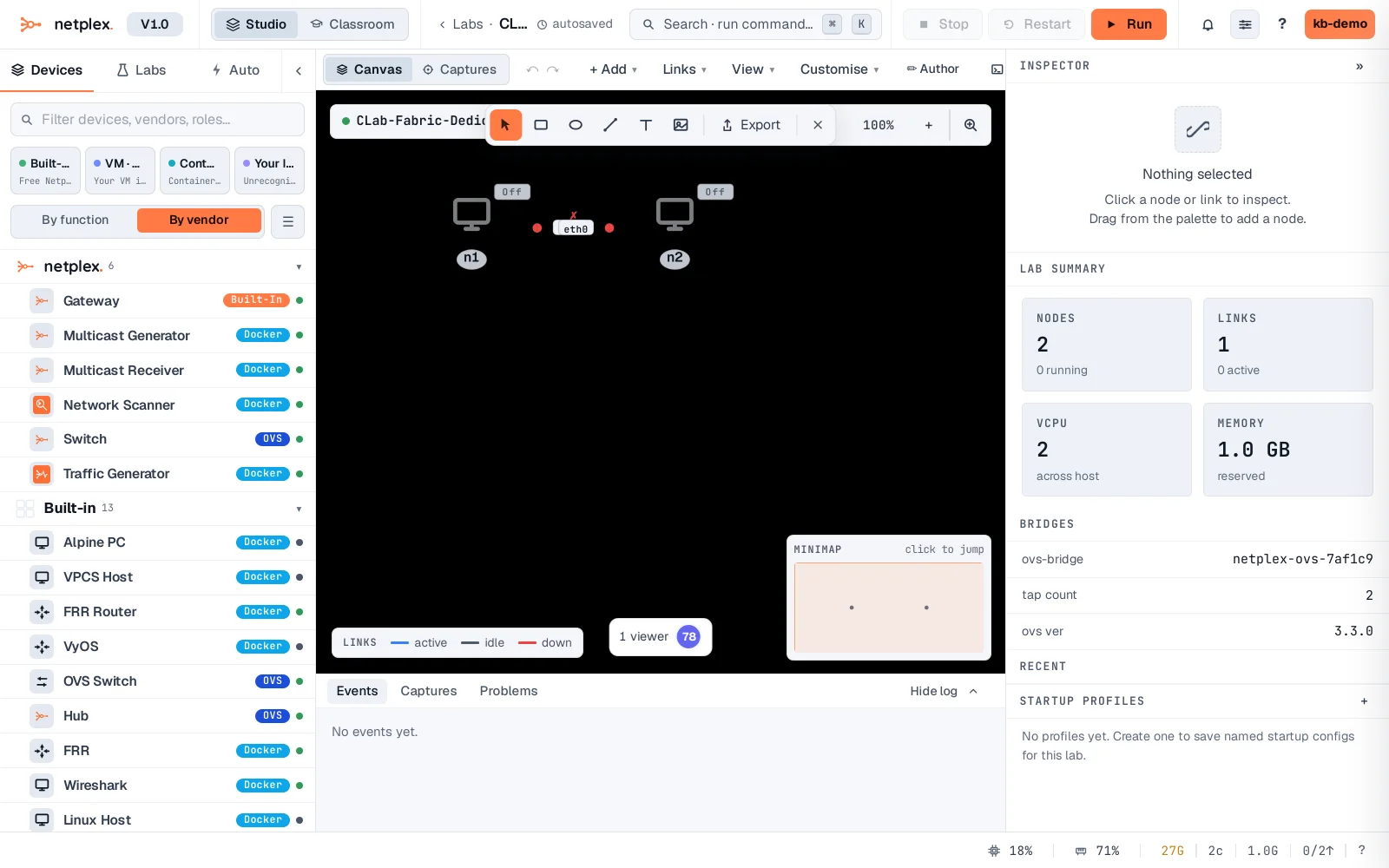
Where a ContainerLab kind: did not map to an exact netplex. image, open the node and pick the right one from your Library - the topology and wiring are already correct, only the image binding needs a manual check. See "Import from EVE-NG, GNS3 or ContainerLab" for all three sources side by side.