Set a custom MAC address on a VM node
Some vendor images license against the boot NIC's MAC address - move the same disk to a different host and it refuses to activate. The Interfaces tab on a QEMU node's first port lets you pin a specific MAC before boot, so the licence keeps matching however many times you rebuild the lab.
Select the node, open Interfaces. The first port shows a + custom MAC link below its name - this option only appears on VM (QEMU) nodes, not containers, since it's the VM's virtual NIC that a licence check inspects.
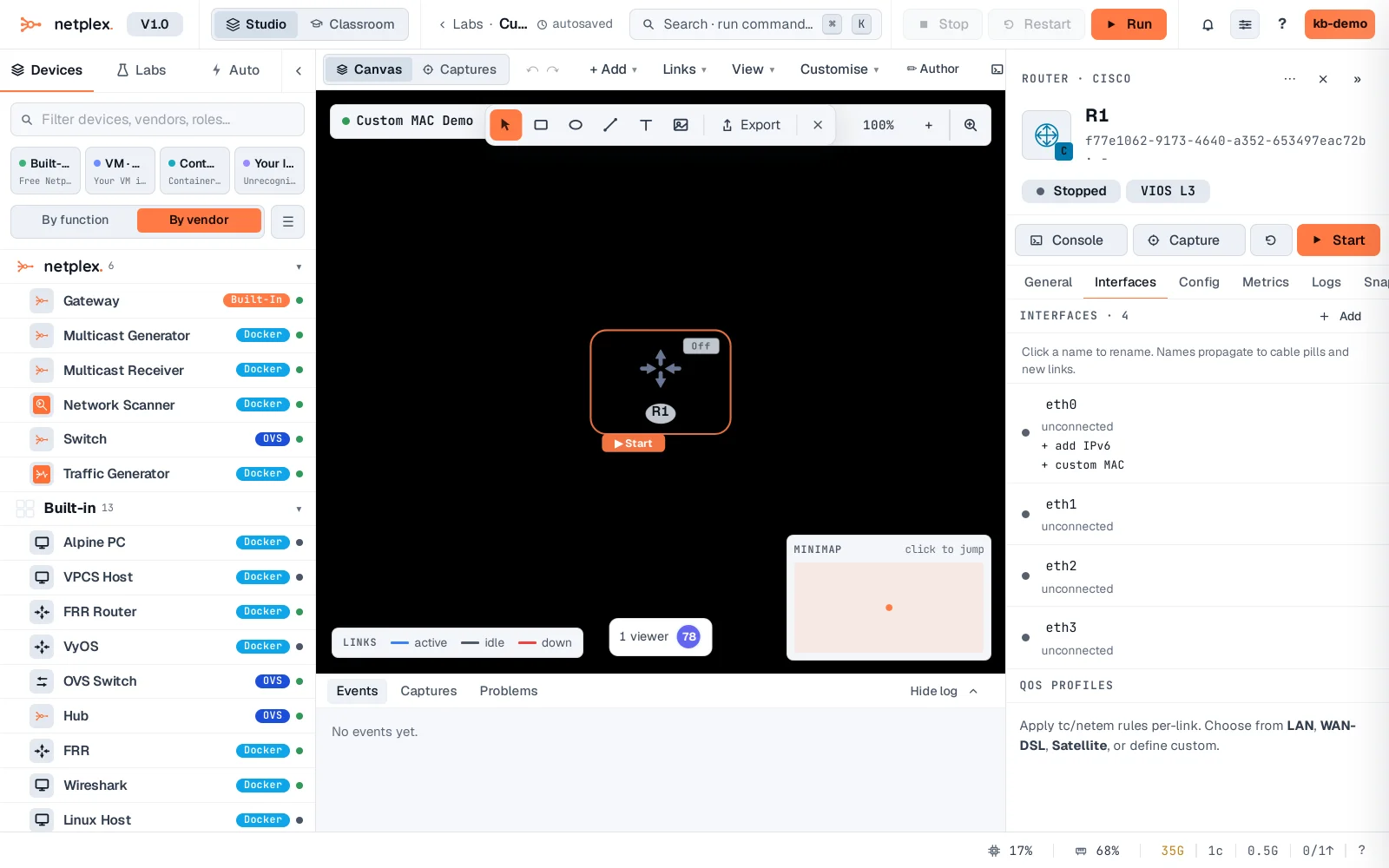
Click it and type a MAC (02:AA:BB:CC:DD:01). It saves on blur or Enter - the same address every time this lab boots, regardless of which host or how many times it's rebuilt.
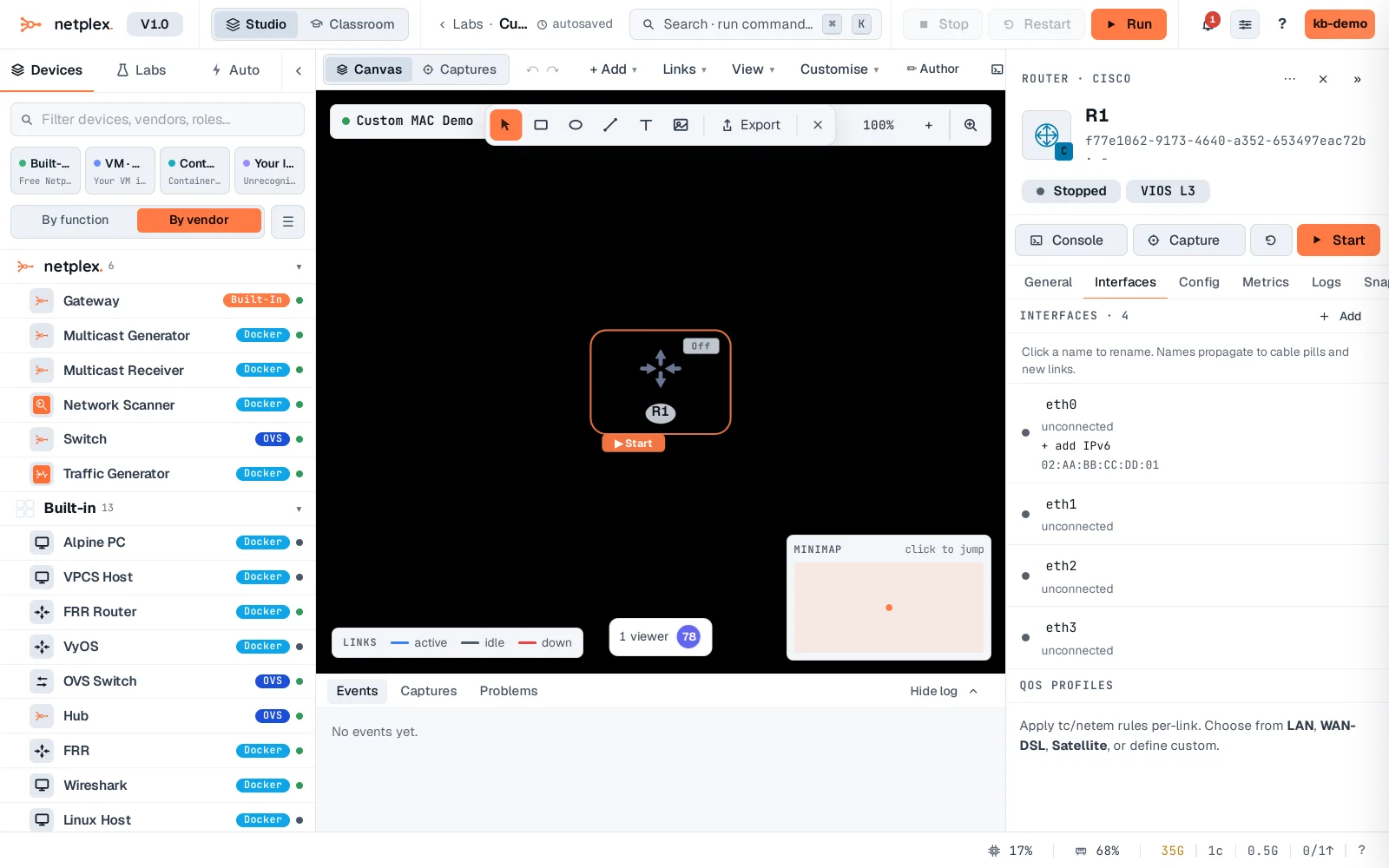
Clear the field (delete the text, blur) to go back to a random MAC each boot. This only applies to the VM's first interface - the one a real NIC-locked licence check typically inspects.