Docker nodes: the fastest, lightest runtime
Docker containers are the default choice for most labs - Linux hosts, FRR/VyOS routers, netplex.'s own tool nodes. They start in a couple of seconds, use tens of megabytes of RAM instead of gigabytes, and you can run hundreds of them on modest hardware. What they give up is being a real vendor firmware image - for that, QEMU is the right runtime instead.
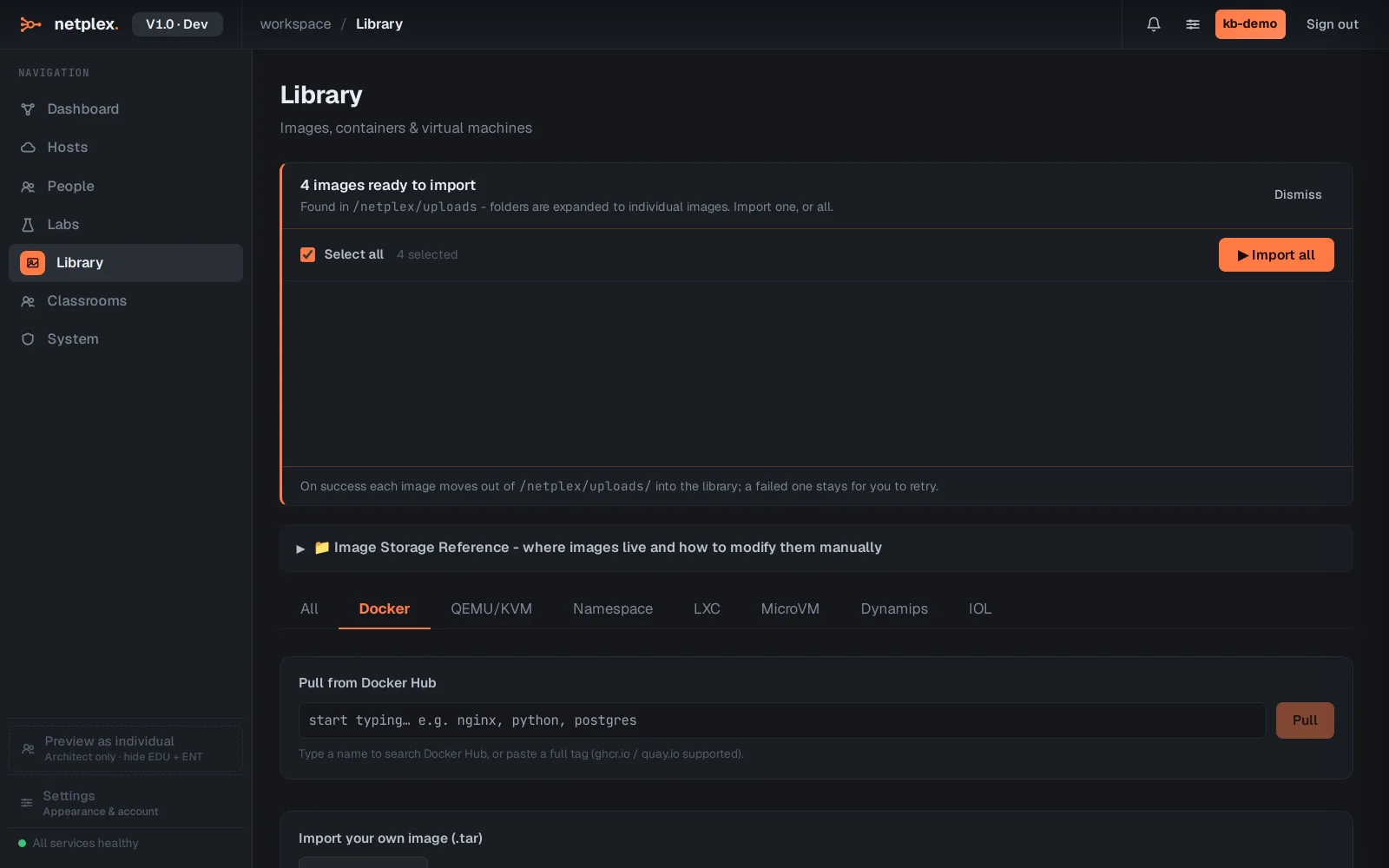
Open Library → Docker. Every pulled image shows here, ready to drag onto the canvas - and any Docker Hub image can be pulled straight from the search box, no separate download step.
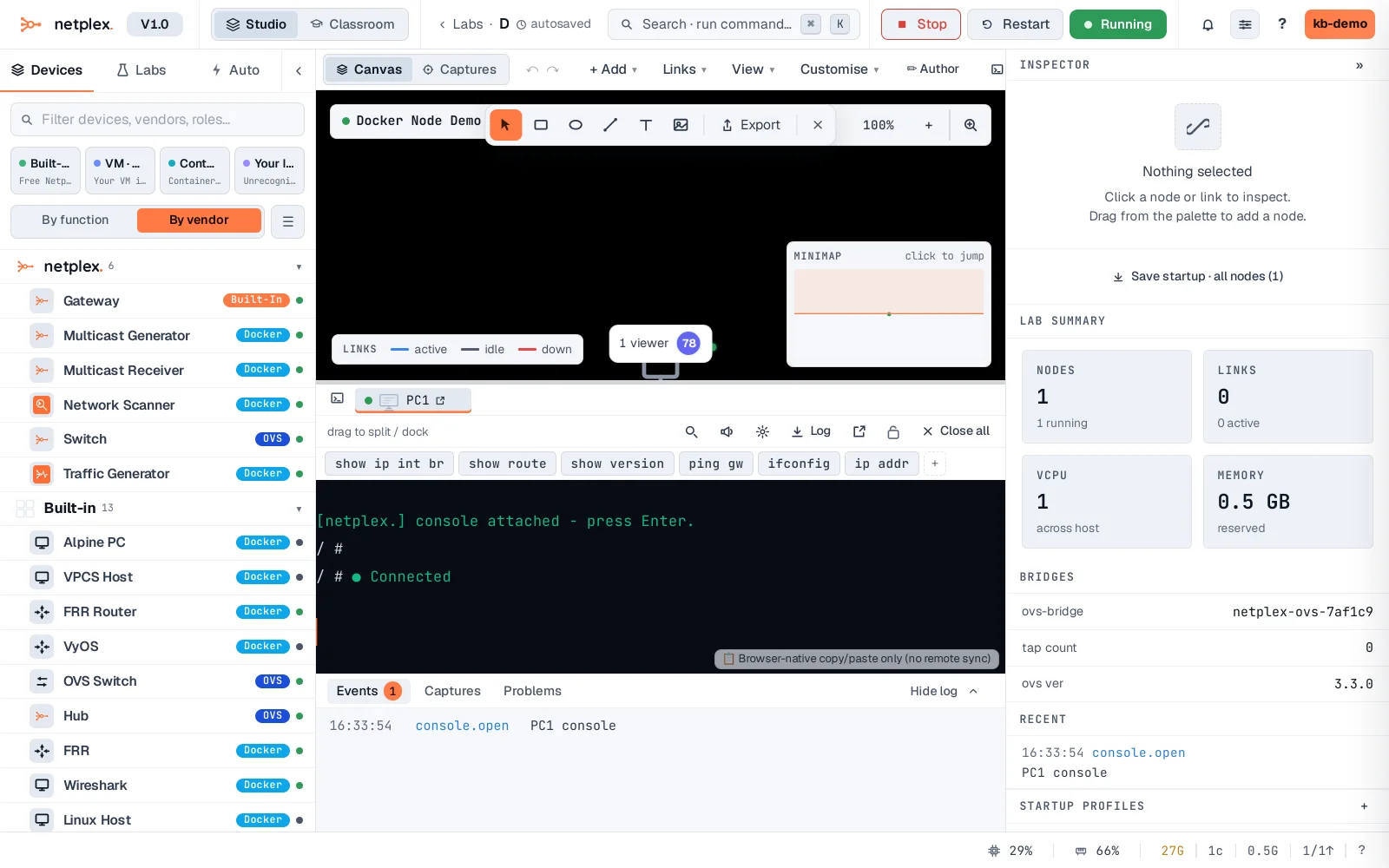
A Docker node boots in seconds - select it in the lab and its console is live almost immediately, a real shell in the real container.
Docker nodes start with no network access at all (network_mode: none) until you draw a link to them - the same isolation-by-default every runtime shares. Add a Cloud gateway node for internet access. For real vendor firmware instead of a Linux container, see "QEMU VM nodes".