Export a single node's config to a file
Need one device's config outside netplex. - to diff against a golden template, attach to a ticket, or archive before a change? The Inspector's Export button downloads it directly, no need to open the Config tab and copy-paste.
Select the node. At the bottom of the Inspector, click Export - the same action is also in the ⋯ more-actions menu at the top as Export node config.
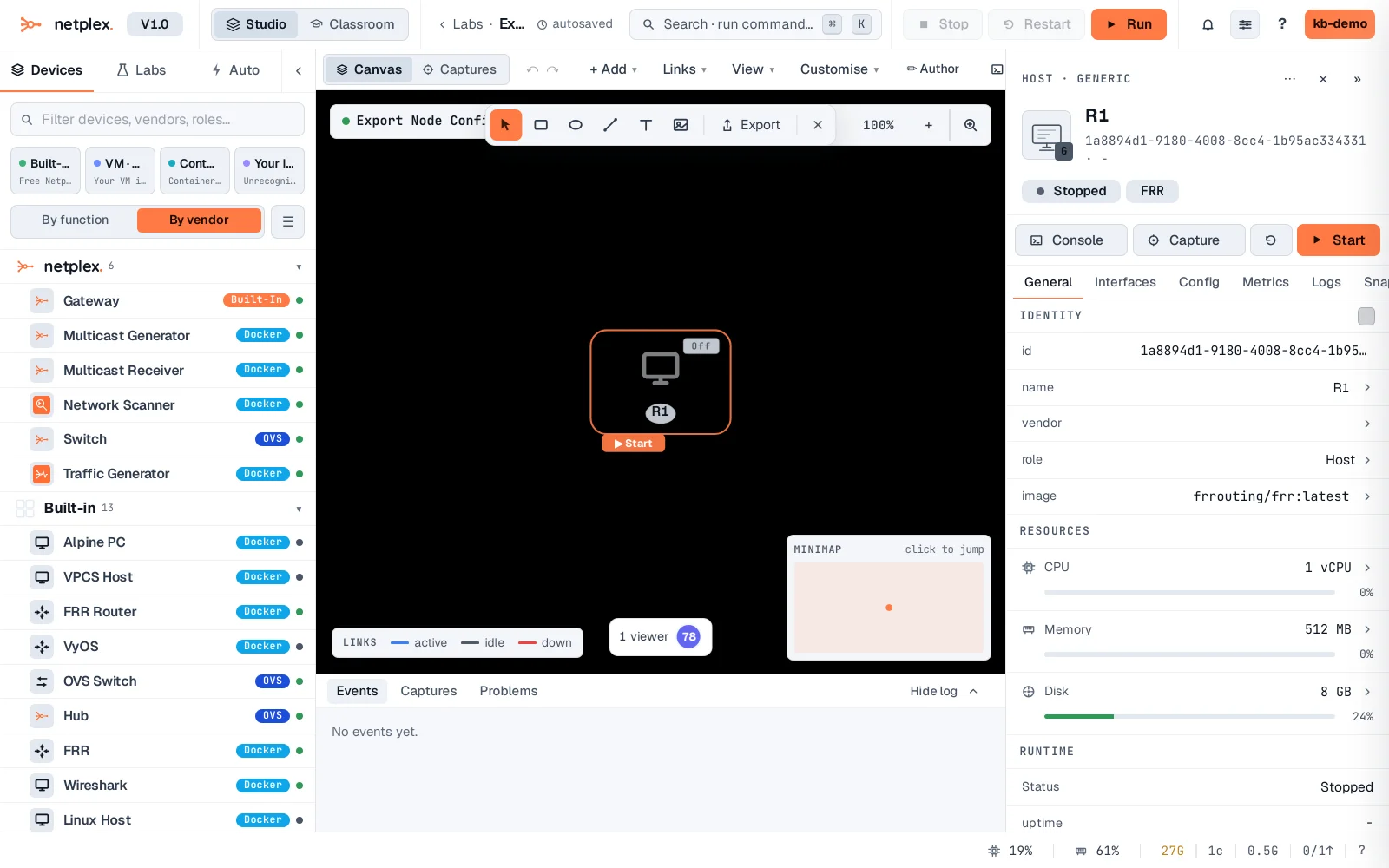
A real .cfg file downloads immediately - the node's actual running config if it's started, its saved startup config otherwise. Not a stub: this is the exact same text the Config tab shows.
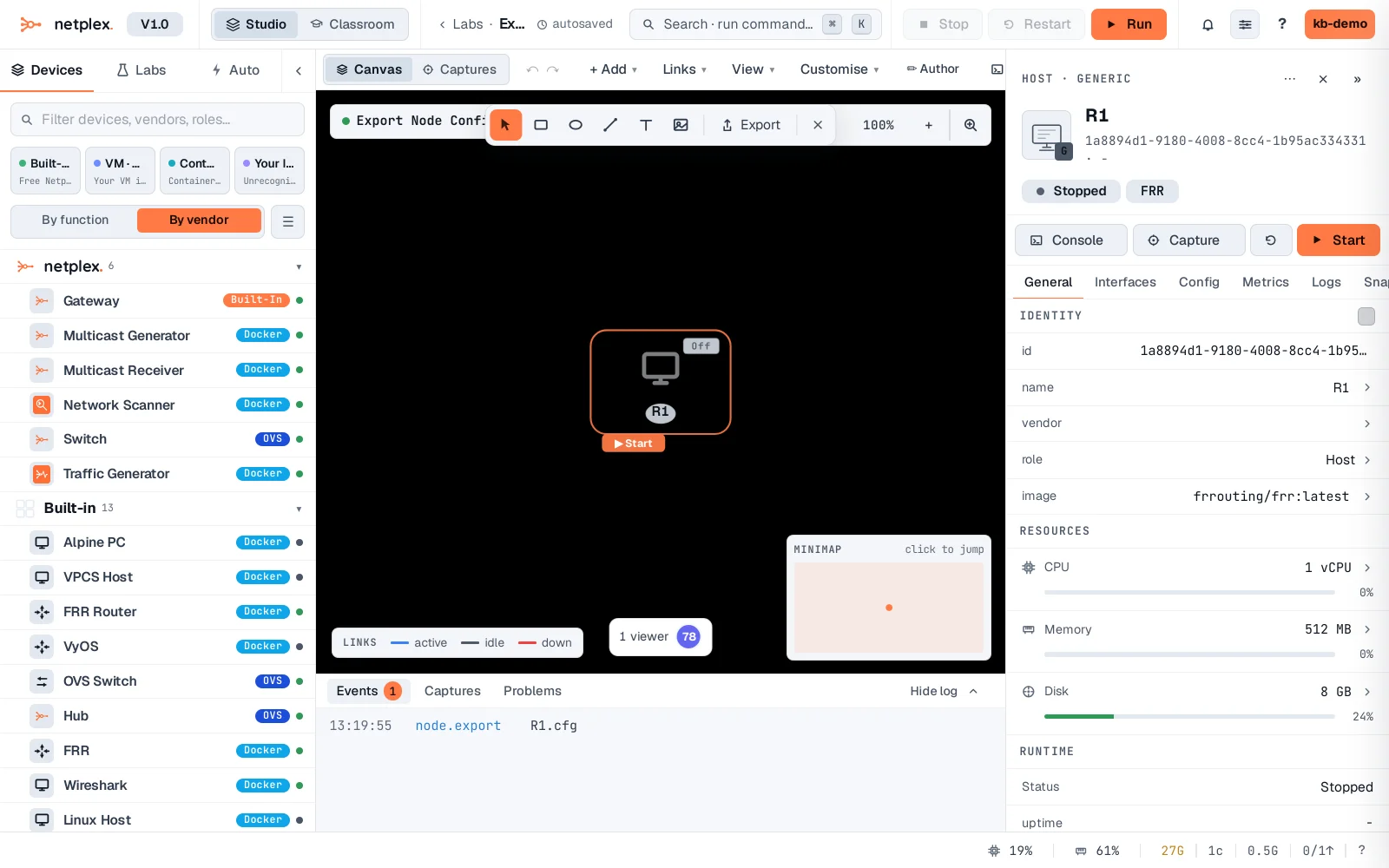
For every device's config at once, use Save startup · all nodes in the toolbar, or "Back up labs to Git" for a full version-controlled history instead of one-off downloads.