Dynamips idle-PC tuning: stop a router pinning a CPU core
Dynamips emulates classic Cisco hardware by literally interpreting IOS instructions - without a correct idle-PC value it spins a full host CPU core just idling, even with nothing happening in the lab. netplex. calibrates this automatically the first time a Dynamips router boots, then lets you pick from the real measured candidates.
Select the router, open Config → Hardware. Once calibrated, Idle-PC becomes a dropdown of real candidate values, each with the CPU% netplex. measured for it - lower is better.
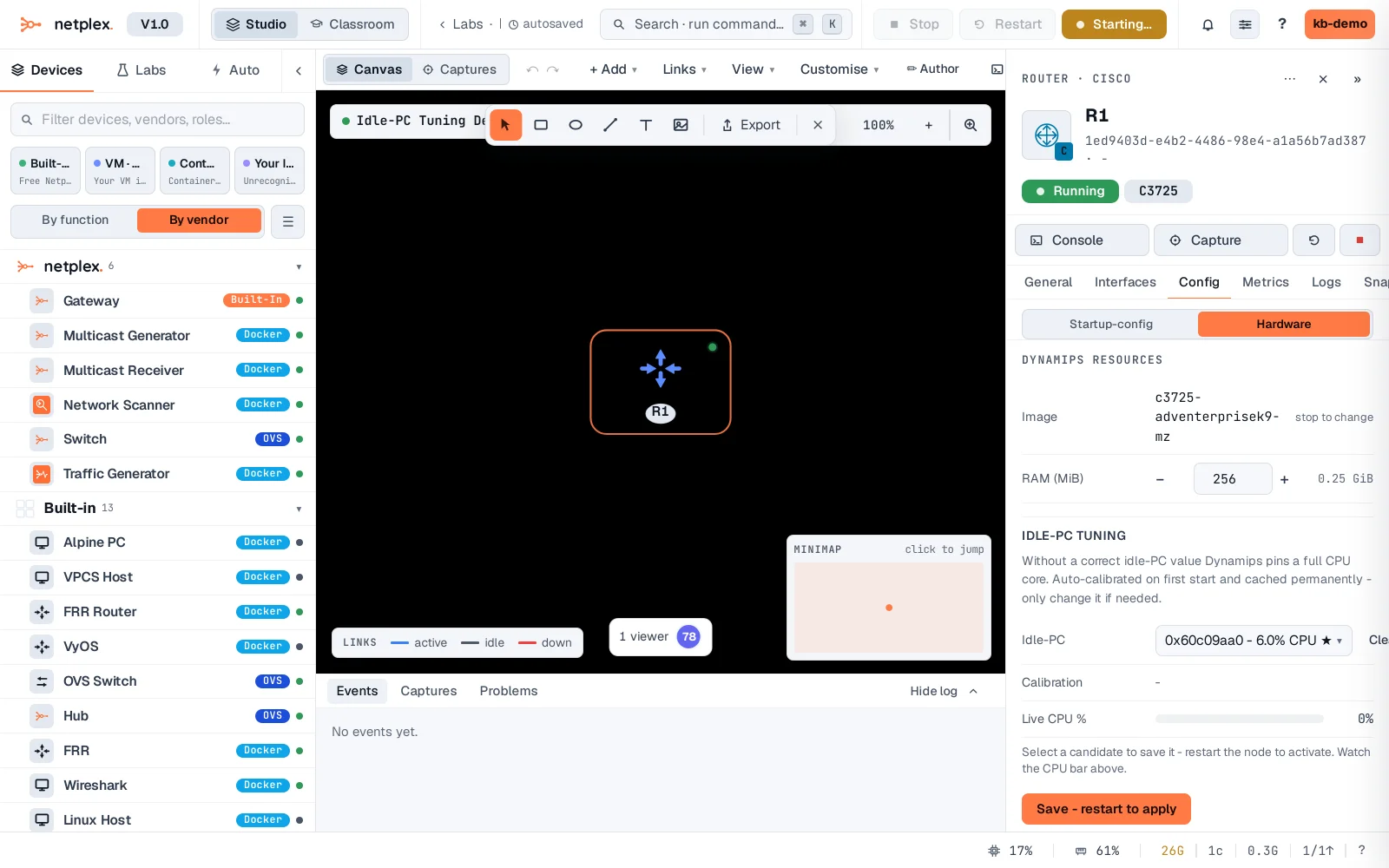
Pick a candidate from the dropdown - it saves immediately and takes effect on the router's next restart (Dynamips has no live-apply for this).
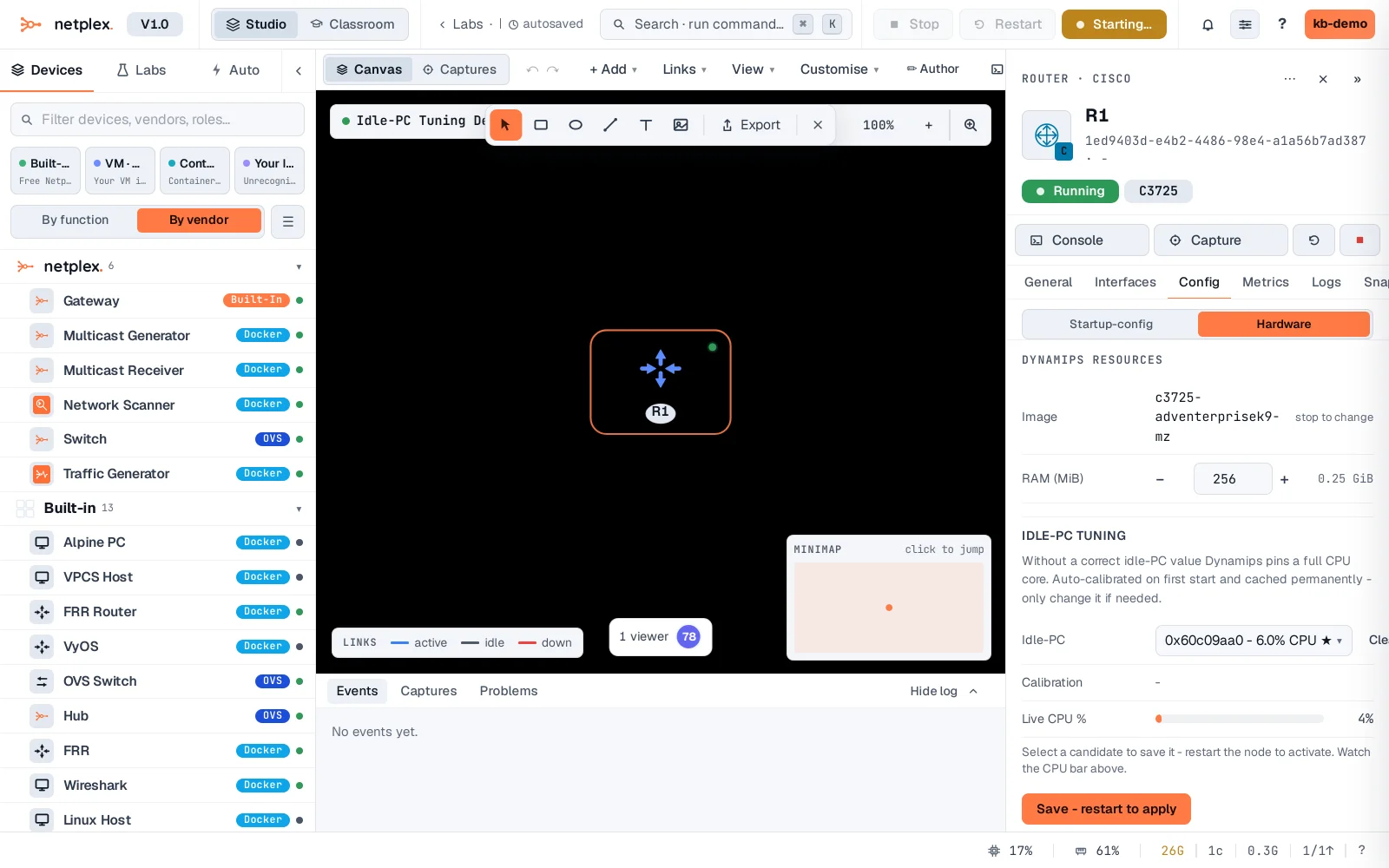
Calibration and the saved value are cached permanently per image, not per lab - once tuned, every future router using this same IOS image starts light. Only QEMU-based images (vIOS, CSR) never need this; the idle-PC problem is specific to Dynamips's instruction-level emulation.