A node's live logs
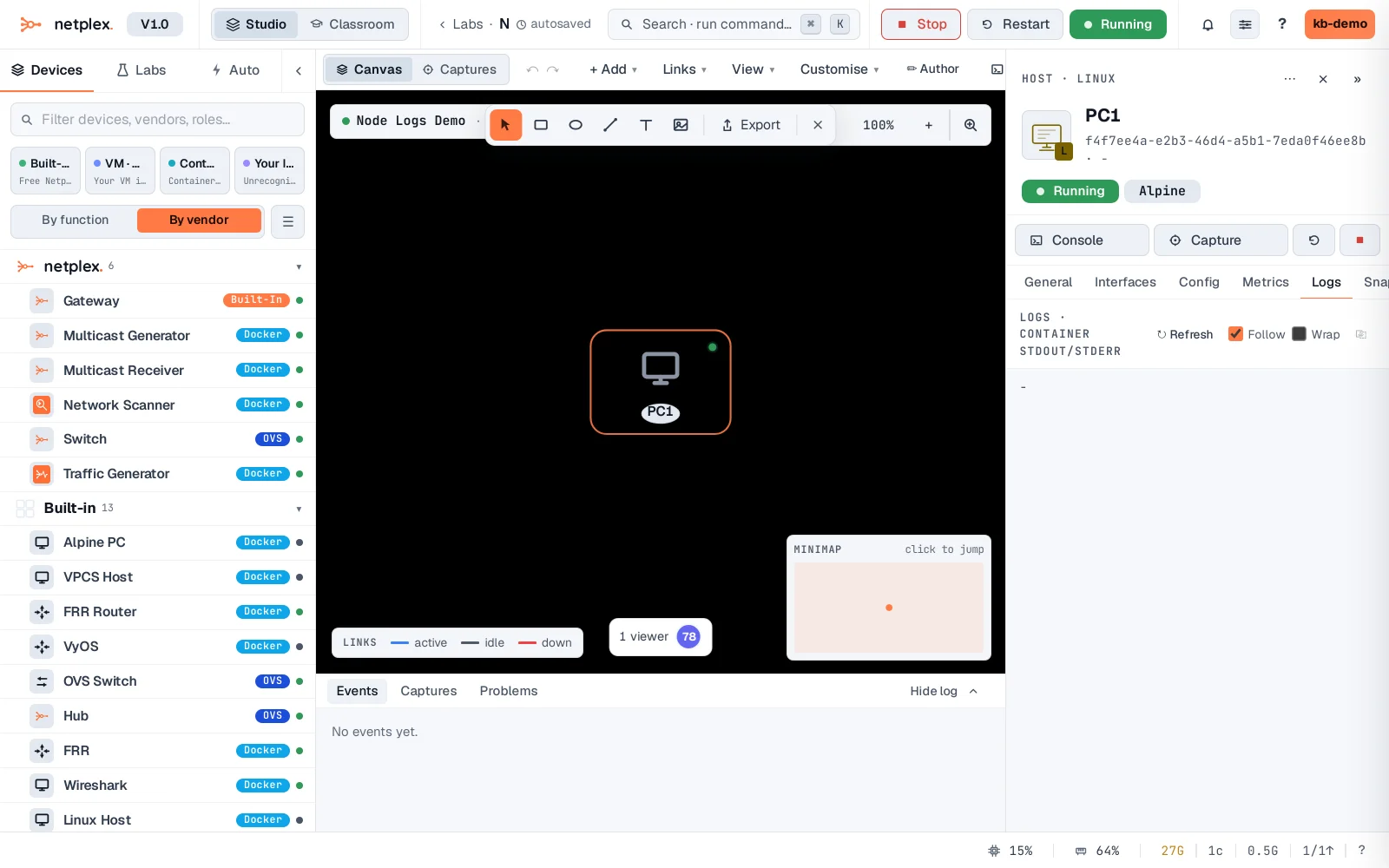
The Inspector's Logs tab streams a running node's own output - boot messages, daemons, crashes - live. It is the first place to look when a node boots but does not behave.
Select the running node and open the Logs tab - the node's real console output, streaming live.
See "A node's live CPU and memory" for the resource-usage tab right next to this one. For a real interactive shell rather than a read-only log stream, see "Open a console on a node".