QEMU/KVM nodes: real vendor firmware
QEMU/KVM runs a full virtual machine from a real vendor disk image - Cisco, Juniper, Arista, Palo Alto and more, the actual firmware they ship, not an emulation of it. Heavier than a Docker container (real CPU/RAM reservation, a real boot sequence), but it's the only runtime that can run a full network OS you didn't build yourself.
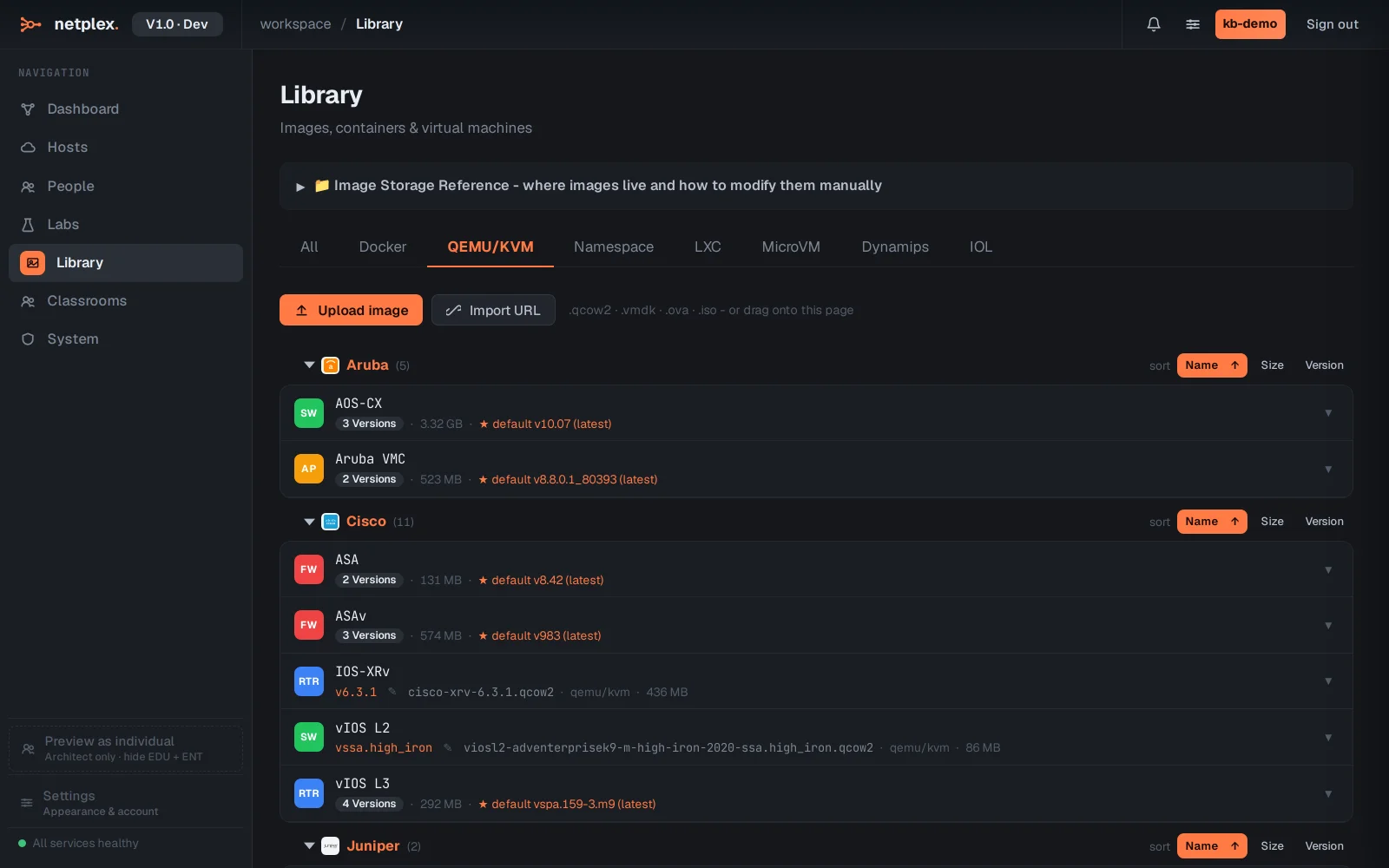
Open Library → QEMU/KVM. Every imported disk image shows here with its vendor badge - upload one, or import from a URL for images too large to keep locally.
A QEMU node carries real hardware settings - CPU, RAM, disk bus - pulled from the vendor's own recommendation when it was imported, editable in the node's Config → Hardware tab.
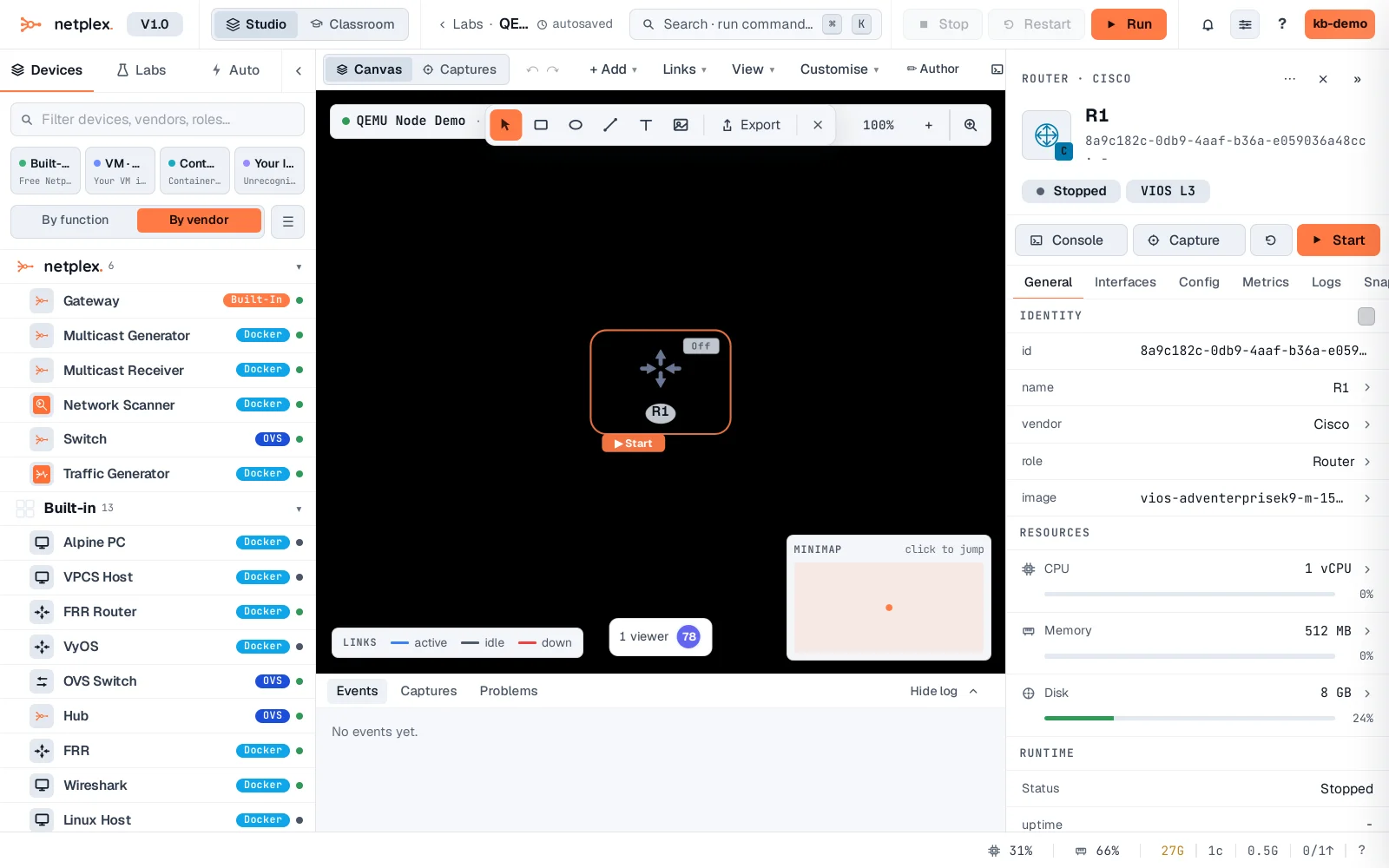
Boot time is the real tradeoff - a QEMU VM takes real minutes to reach a usable CLI, matching the actual firmware's own boot sequence, not a shortcut. For something that starts in seconds instead, Docker or LXC cover most lab needs that don't require the exact vendor OS.