Rename a network interface
A generic eth0/eth1 name works fine for a quick lab, but a topology meant to be read by someone else benefits from real names - uplink, wan, to-core. Click any interface name in the Inspector to rename it in place; the change propagates to the cable pill on the canvas and to any new links drawn from that port.
Select PC1 and open Interfaces. Click the name of the wired port - it turns into a text field.
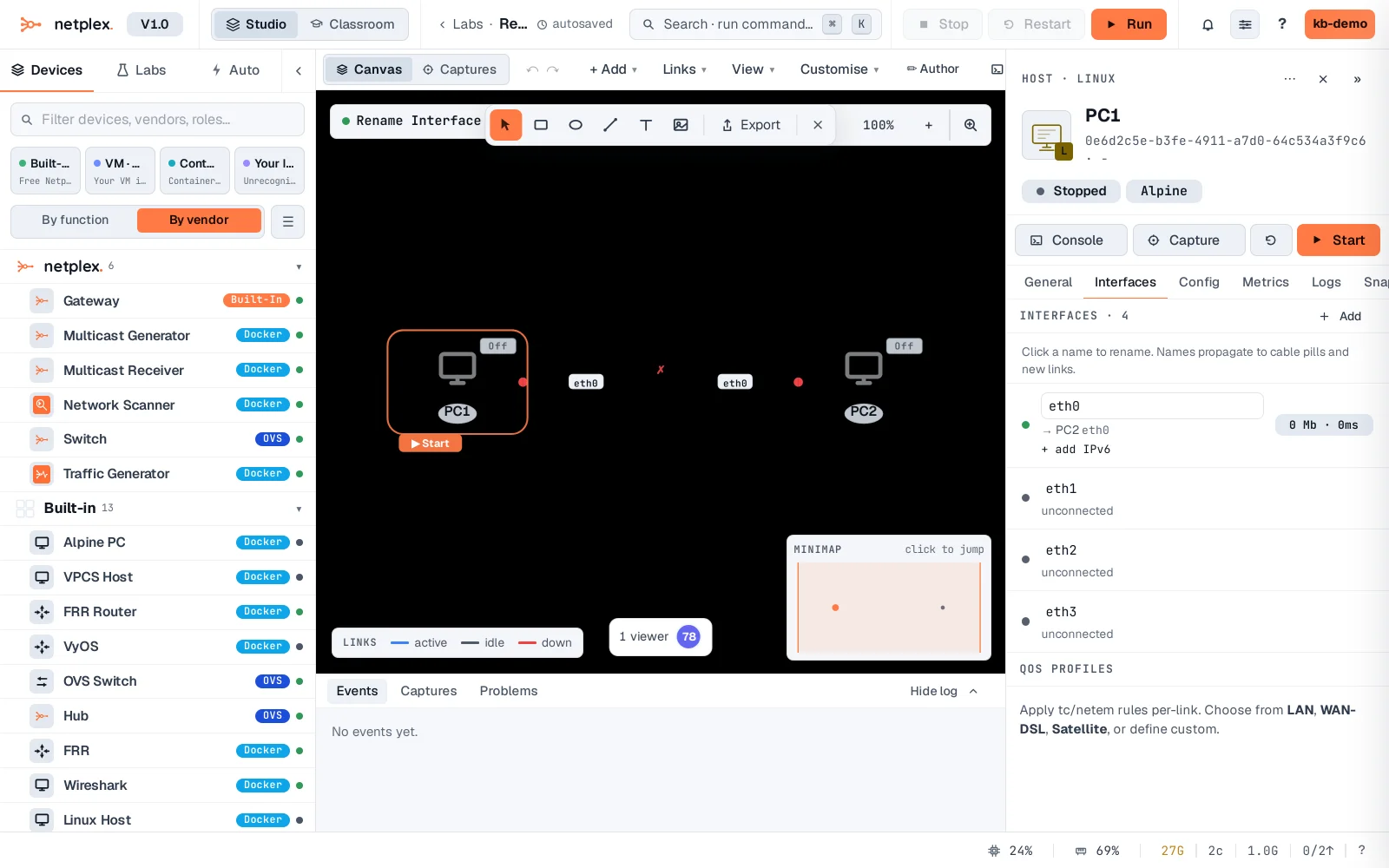
Type the new name and press Enter - the rename applies immediately to the real link.
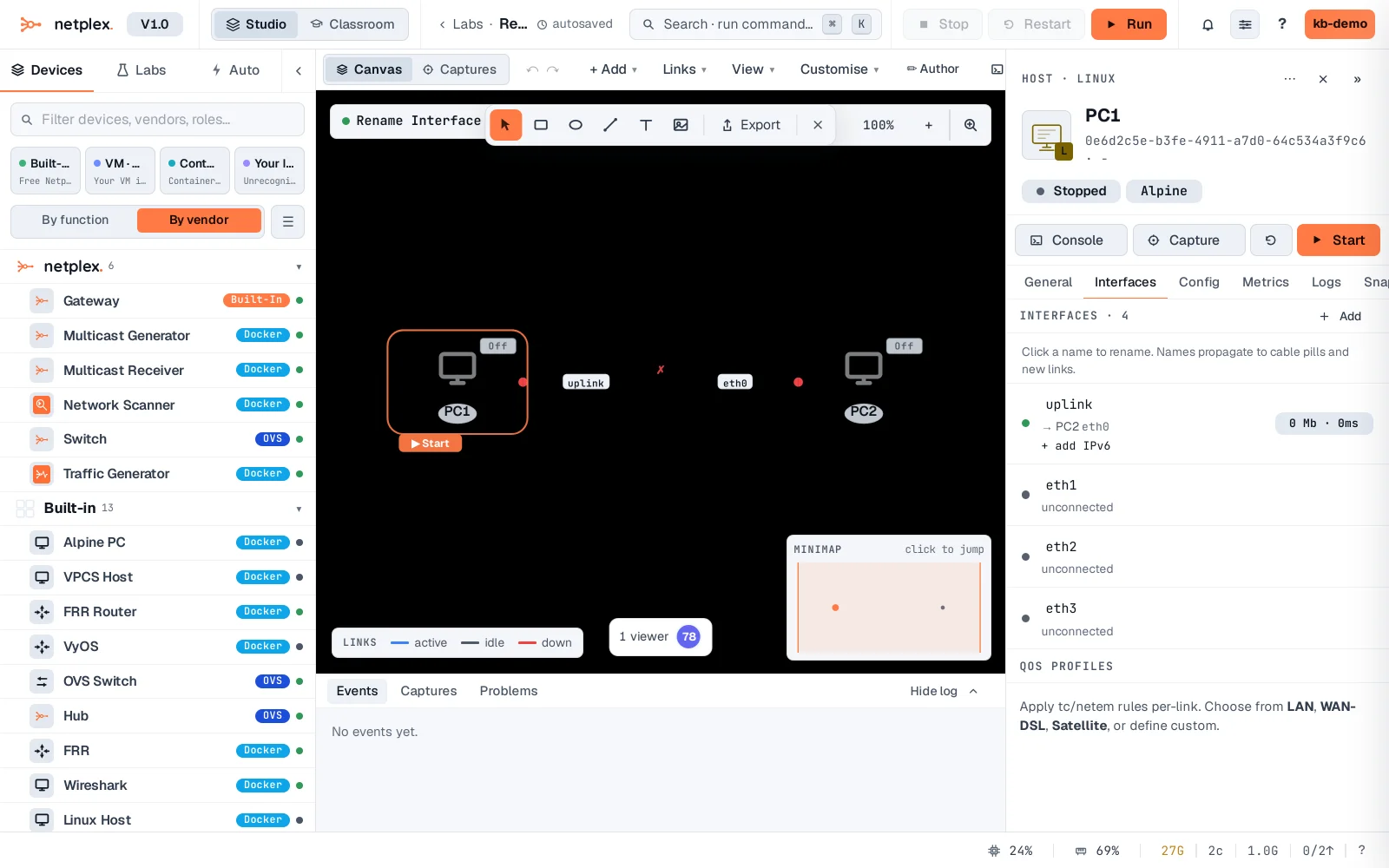
Renaming never re-wires anything - it is a label, the same physical link stays connected. See "The node Interfaces tab" for the rest of what lives on this tab, including adding ports.