Changing the accent colour
The accent colour threads through the whole UI - buttons, links, the selection ring on the canvas. It is set once under Settings → General and applies everywhere, in every lab, immediately.
Pick a different accent swatch and watch it take effect immediately, here and in every lab - no save button, no reload.
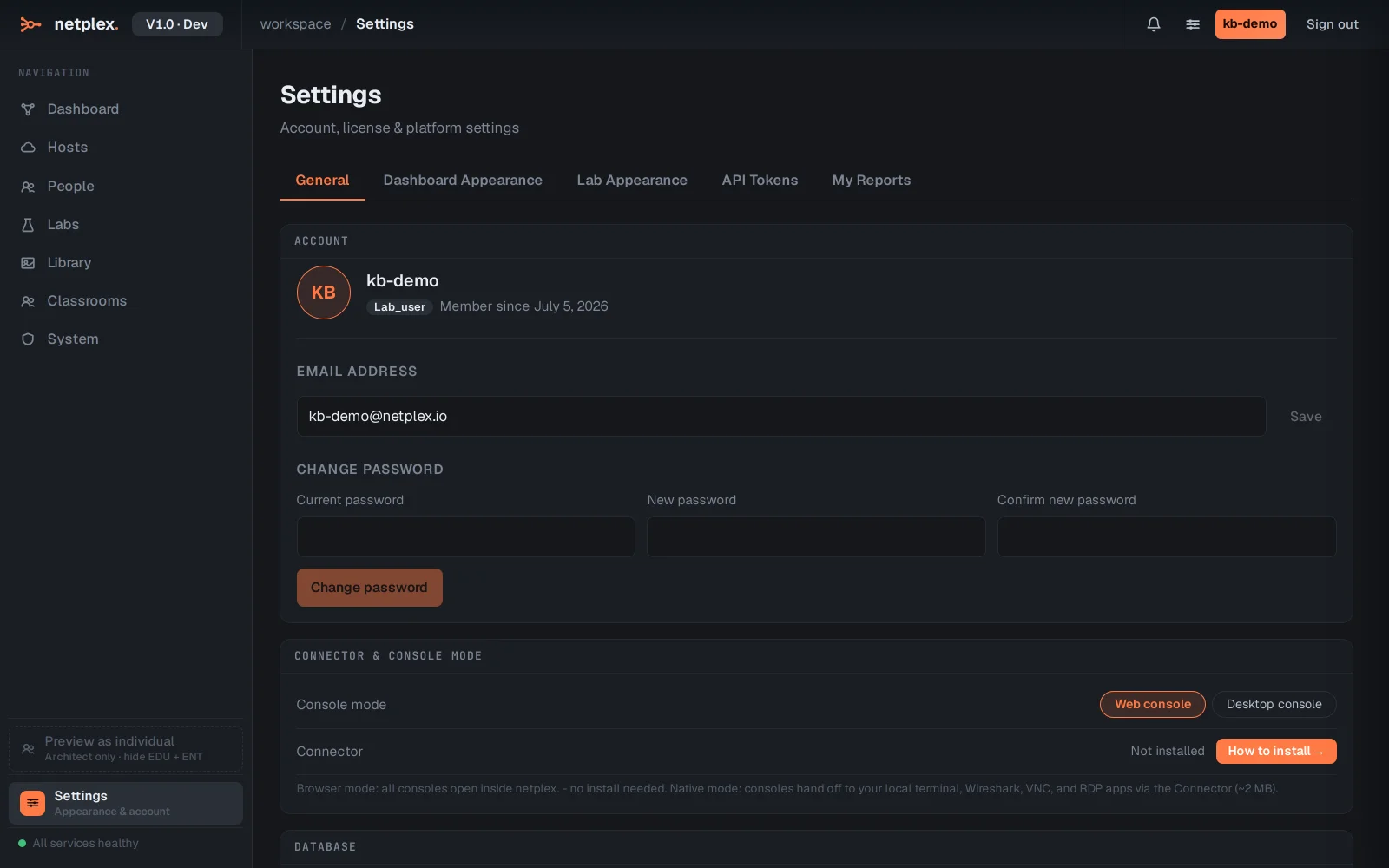
See "General preferences: language, accent, text size" for the rest of the General tab this swatch lives on.