The UI looks stale after an update
netplex. ships as a static frontend bundle - there is no hot-reload in production. Unlike most single-page apps, though, you should rarely need to hard-refresh by hand: the app polls a build manifest in the background and reloads itself once it detects the server has moved on. This page explains that mechanism and what to do on the rare occasion it does not catch up on its own.
The app checks /version.json - a small, uncached manifest at the web root - once on load and then every 60 seconds. If the build id there differs from the one baked into the page you are running, the tab reloads itself automatically, once, and you land on the new bundle without doing anything.
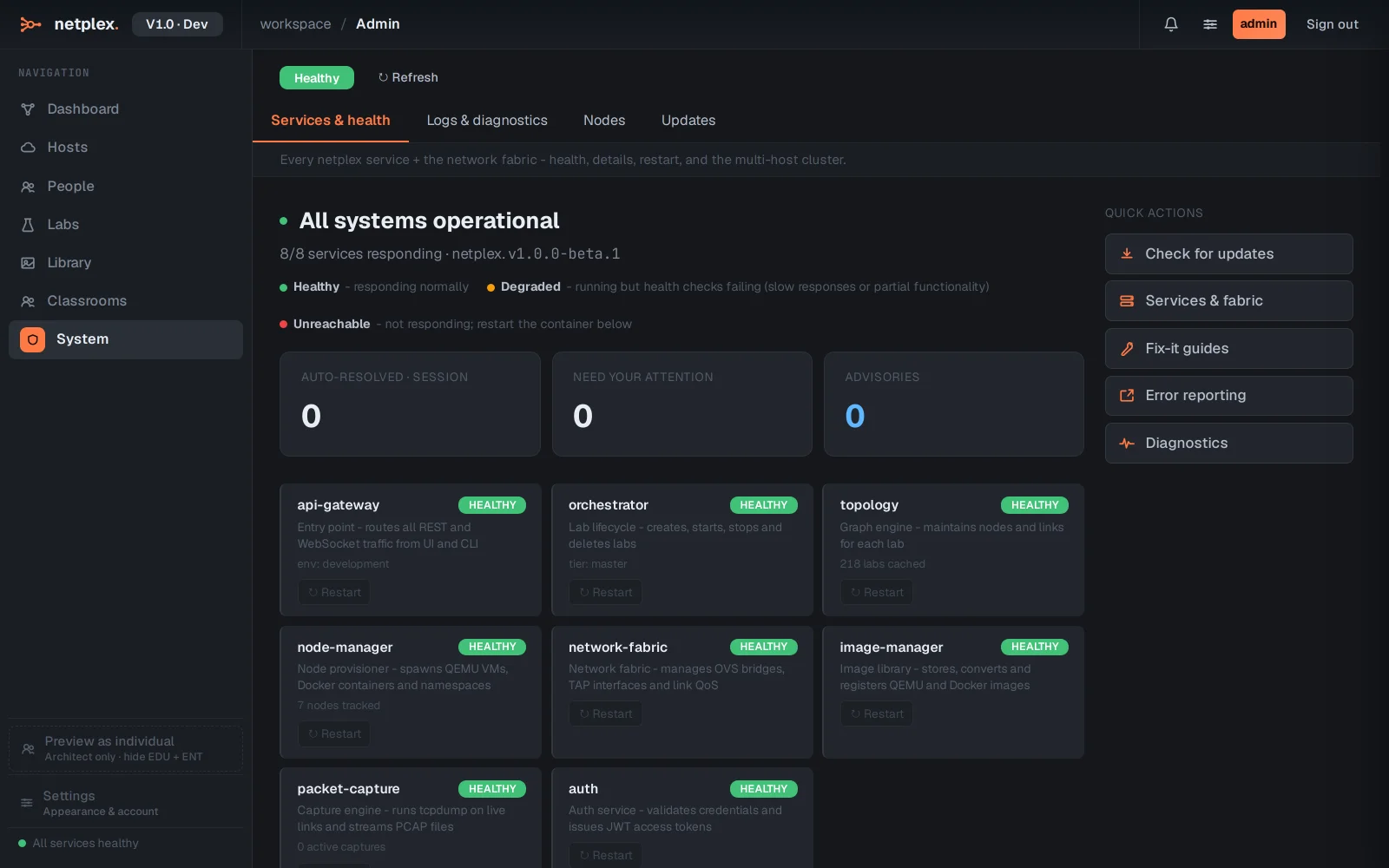
System → Updates is the authoritative source for what is actually installed - the running build, the update channel, and whether the last update applied cleanly. This is what to check if a release-notes feature still is not showing up.
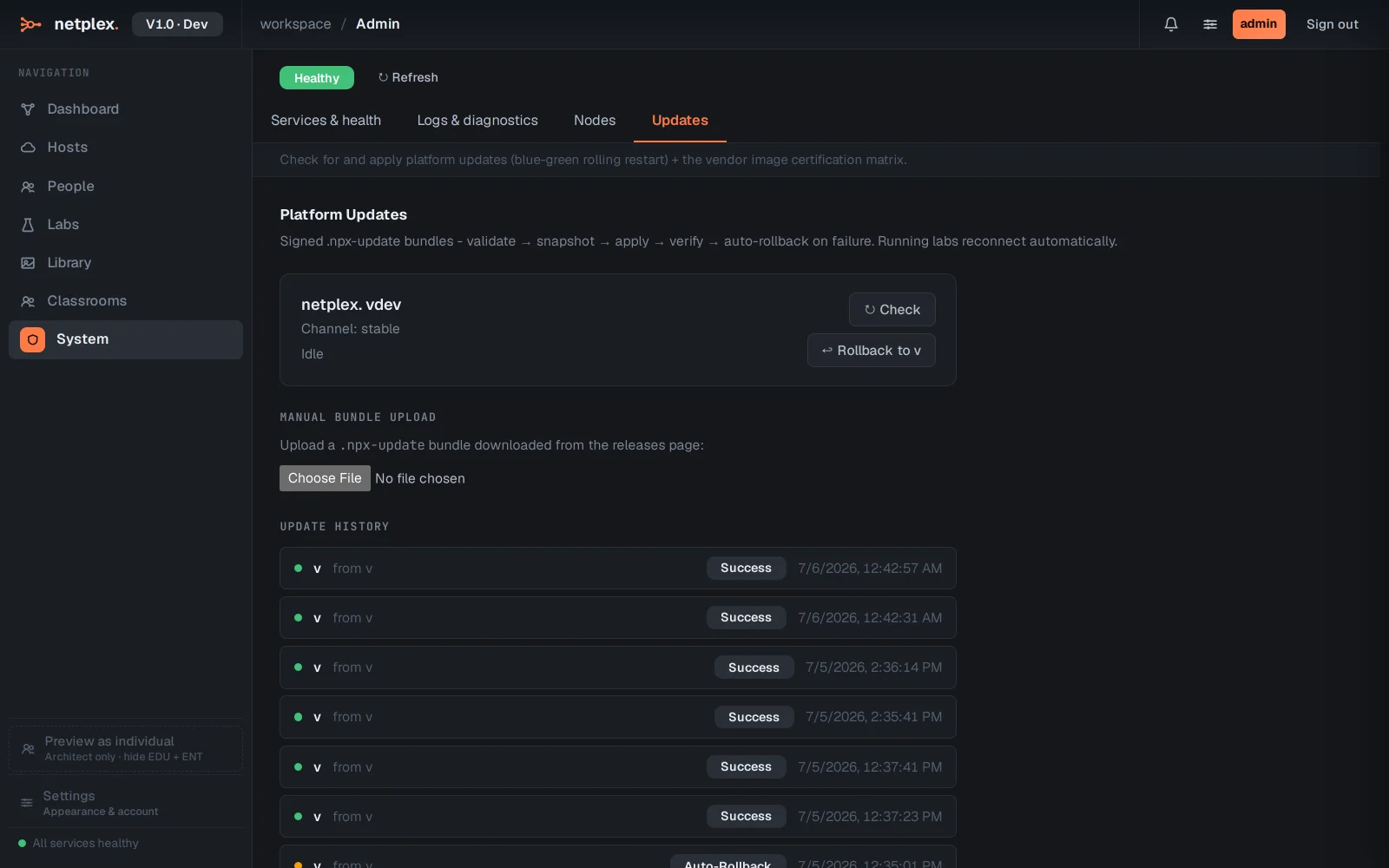
If a feature genuinely is not showing up after checking System → Updates confirms the new build is installed, the fallback is the same one-step fix any web app needs: Ctrl/Cmd+Shift+R, or dev tools → right-click reload → "Empty cache and hard reload" - forces the browser to drop anything it cached before the self-update check had a chance to run. If Updates itself shows a failed or partial state, the platform automatically rolled back to its last-known-good build rather than half-applying a new one - see "Services and platform updates" for that view in full.