Diagnosing a node that won't start
A node stuck on Starting, or one that flips straight to an error state, is not a mystery - netplex. surfaces the real underlying failure in the node's Inspector instead of a generic spinner. This guide reproduces a genuine failure (a missing image) and shows exactly where to read the cause.
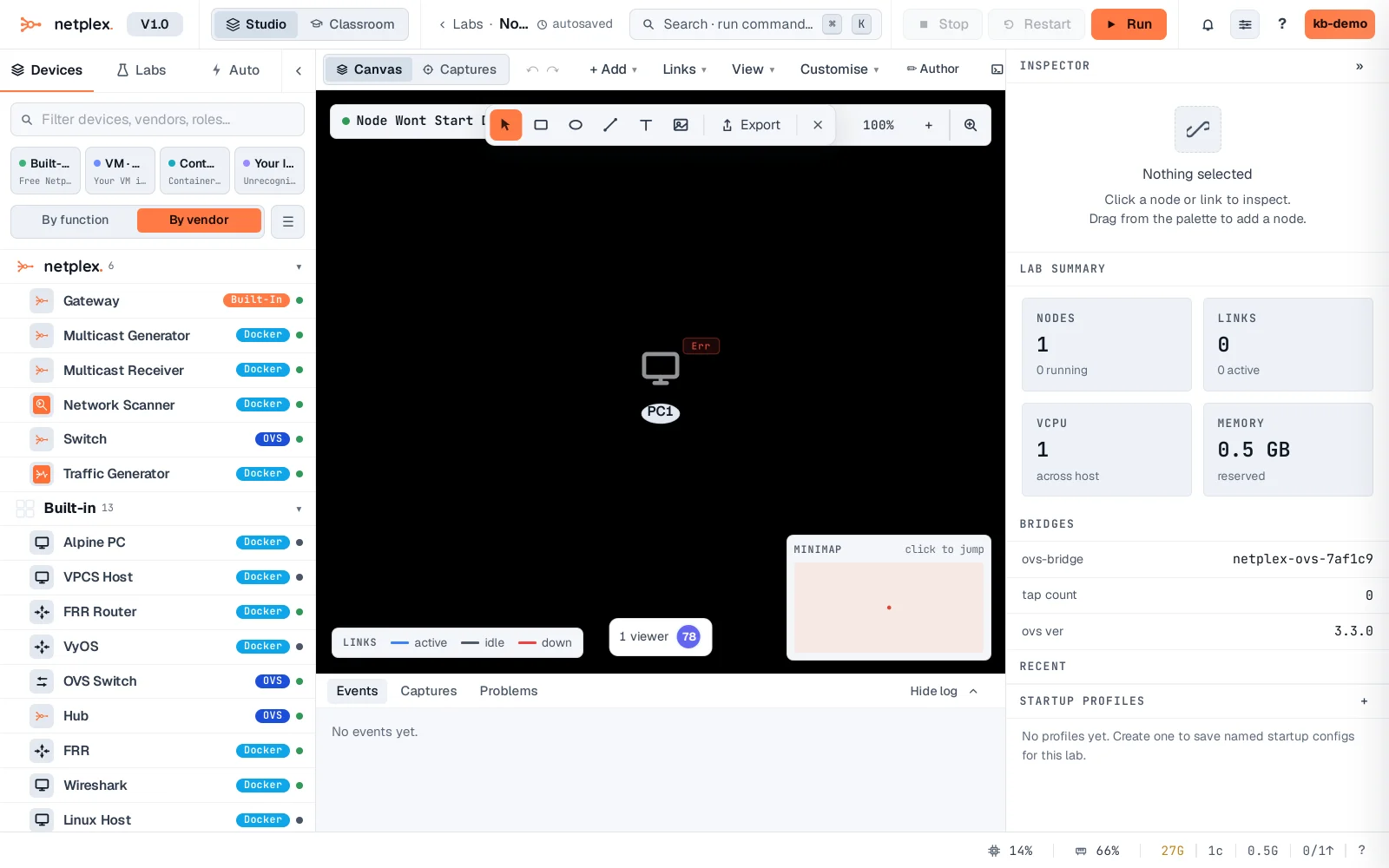
A node that failed shows a red status dot on the canvas - no need to open a console to know something is wrong. (The canvas polls node status every few seconds, so this can take a moment to appear.)
Select the node, then open its Metrics tab - the Inspector states Boot failed and prints the real error underneath, verbatim from the backend. Here: a Docker pull that 404s because the image name is wrong or was never pushed. The same panel shows the equivalent for a bad QEMU disk path, an out-of-memory host, or a port already in use - whatever the underlying service actually reported.
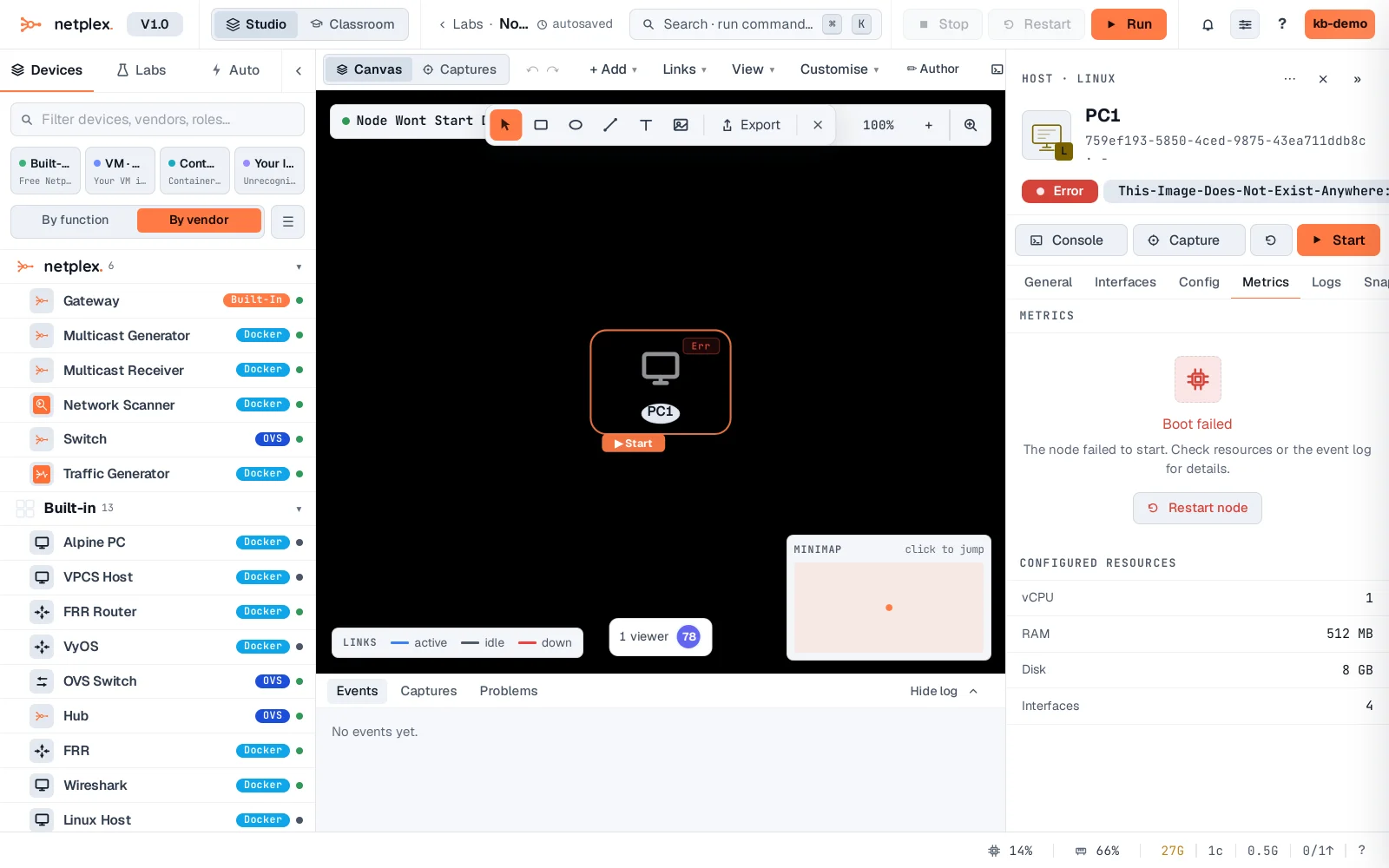
Read the error text first - it almost always names the exact problem (wrong image tag, missing file, port conflict). Fix the underlying cause (re-check the image name in the Library, free the port, add RAM) and Restart the node from its right-click menu; there is no need to delete and recreate it. If the error text is unclear or looks like a platform bug rather than a config mistake, use "Get support and send diagnostics" - it attaches this exact error automatically.