A node has no internet access
This is almost always by design, not a bug: netplex. nodes are isolated on purpose (see "How links work") - a Docker node starts with only its loopback interface until you draw a wire to it. There is no hidden management network quietly giving every node internet. If a node can't reach the outside world, the fix is topology, not configuration.
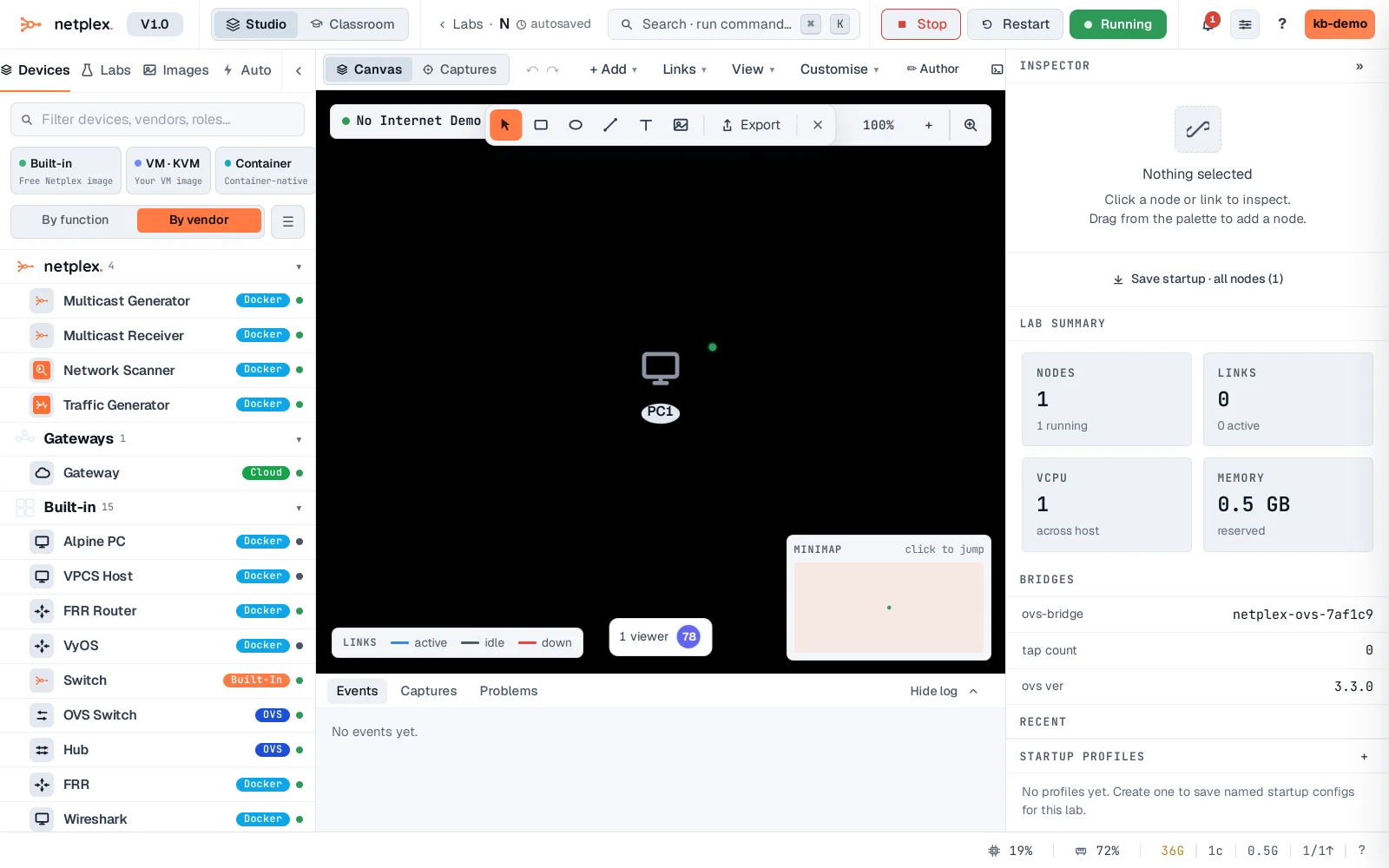
PC1 is running - and has no link to anything. No Cloud gateway, no route out. This is the state every node starts in.
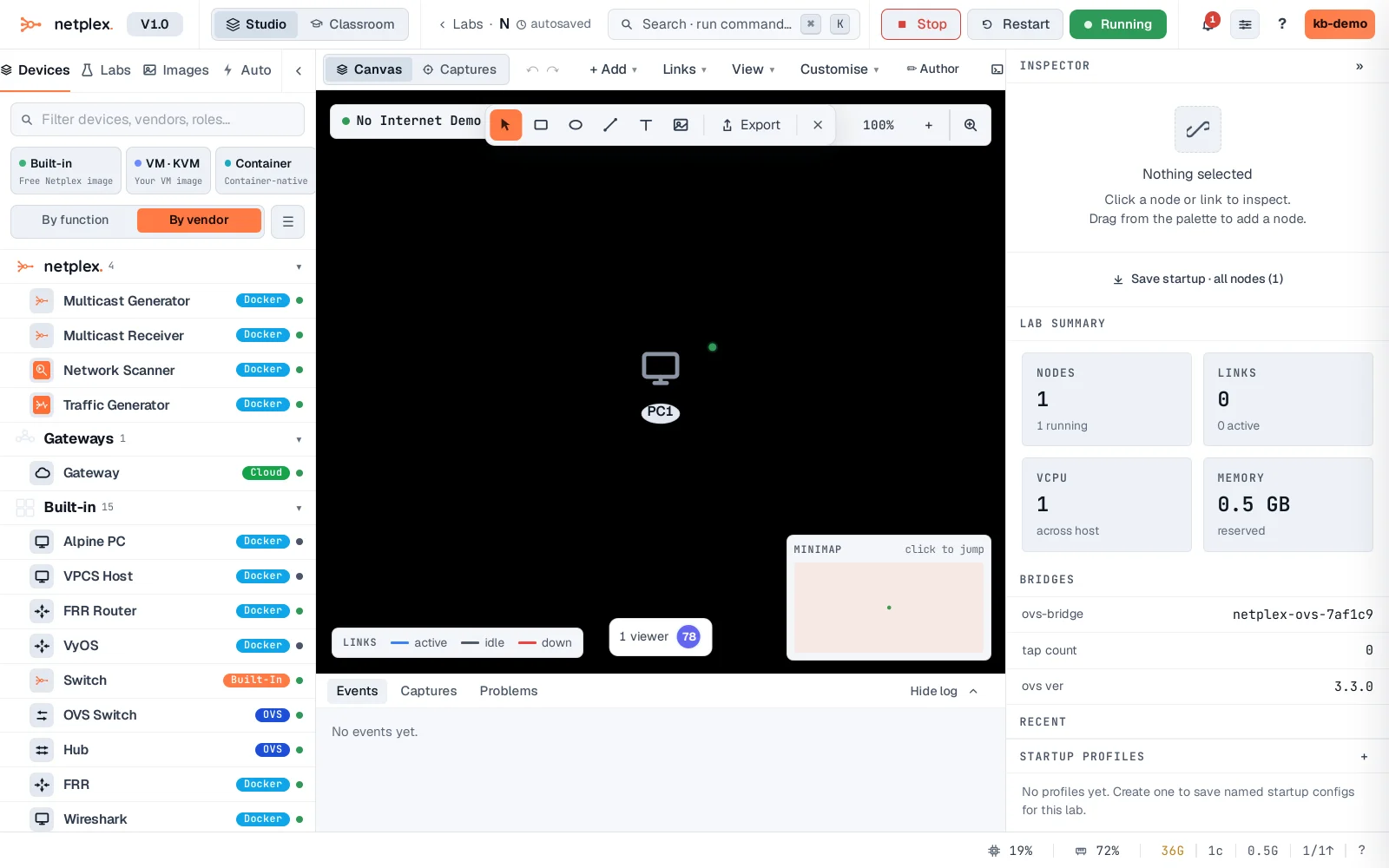
A ping to the outside world fails - not a timeout waiting on DNS, but an immediate network unreachable. That specific error is the tell: this node has no route at all, because it has no link. Compare with "How links work" - this is the zero-injection fabric working exactly as intended.
The fix: add a Cloud gateway node and wire it to PC1 - even while the lab is running, hot-attach builds the wire live, no restart needed.
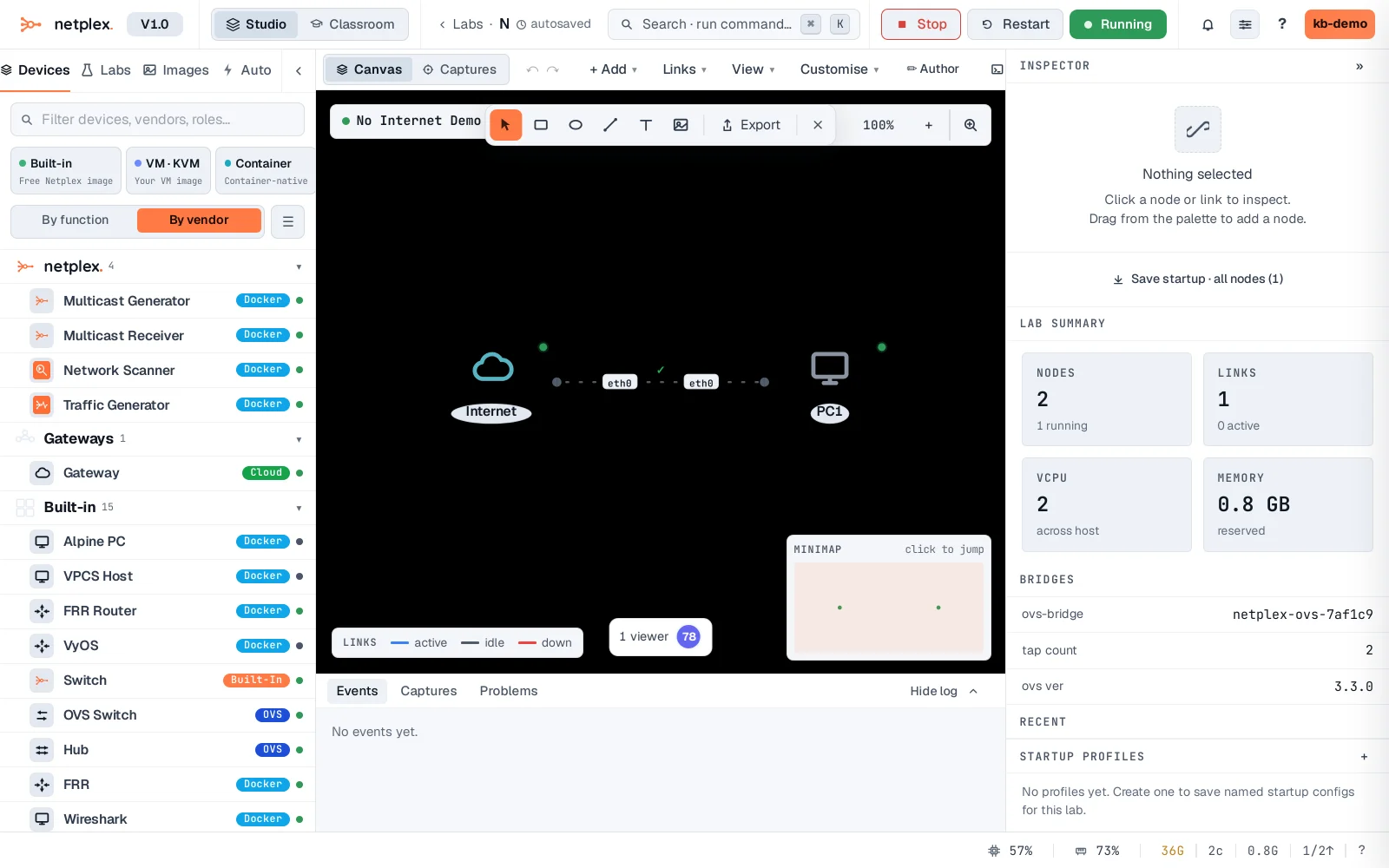
DHCP lease, then a real ping through the gateway - internet access is now topology, visible on the canvas, not a hidden setting you have to remember.
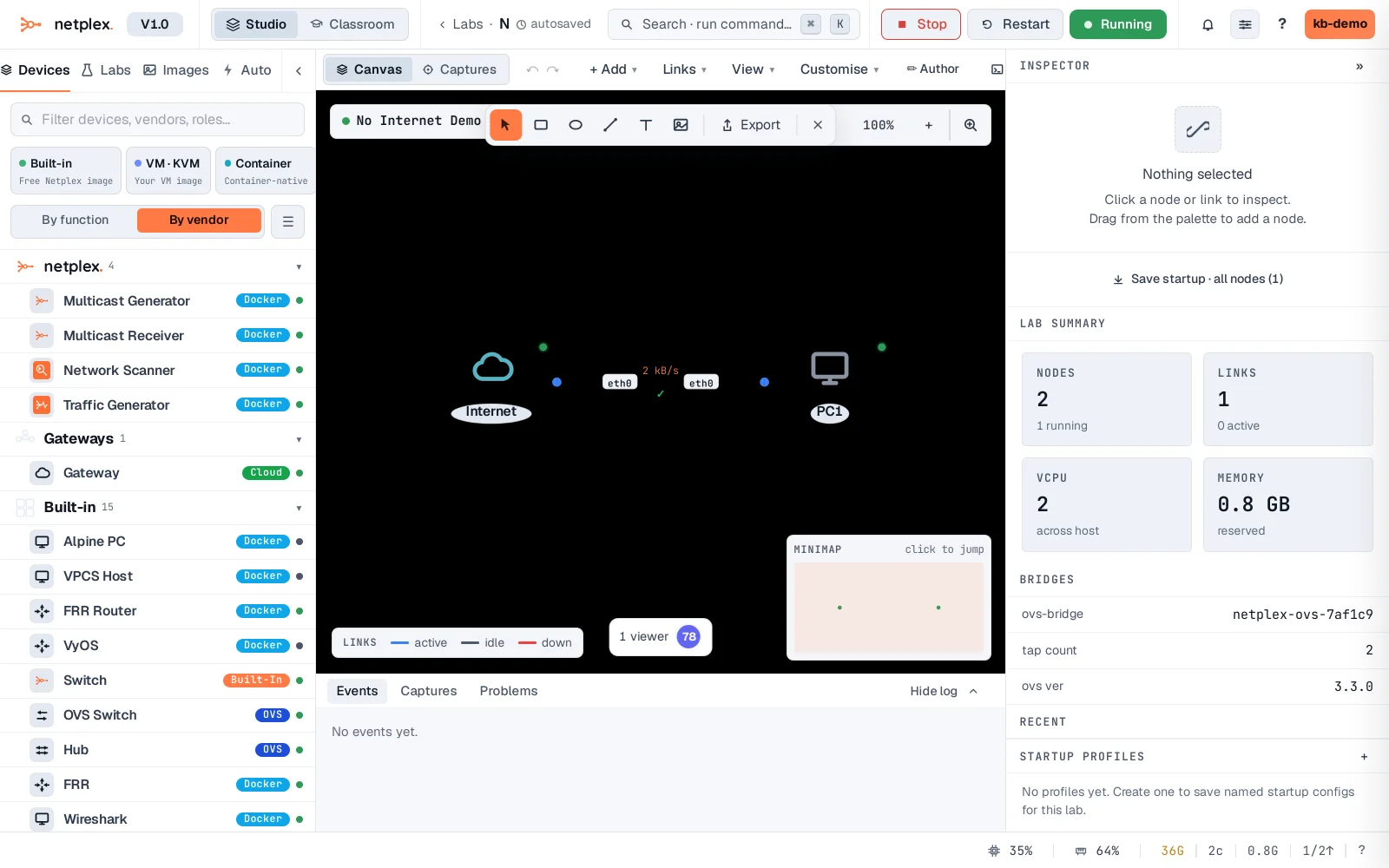
If a node still can't reach the internet with a Cloud gateway wired in, that's a different problem - check the gateway node itself is running (Dashboard → host resources) and that nothing upstream (a firewall node in the path, a QoS policy blocking the traffic) is dropping it. See "Give a lab internet access" for the full Cloud gateway walkthrough and "Fault injection" for how a deliberately broken link looks in a console, for comparison.