The Notification Centre
The bell in the top bar is not just a badge count - it opens the Notification Centre, a running feed of everything the platform wants your attention on: host resource pressure, image pulls finishing, licence and update notices. It persists across page loads, so nothing gets missed just because you were mid-task when it happened.
Click the bell in the top bar to open the Notification Centre. Each entry is timestamped and grouped by kind - success, warning, error - so a scan of the panel tells you what needs attention without hunting through the event log.
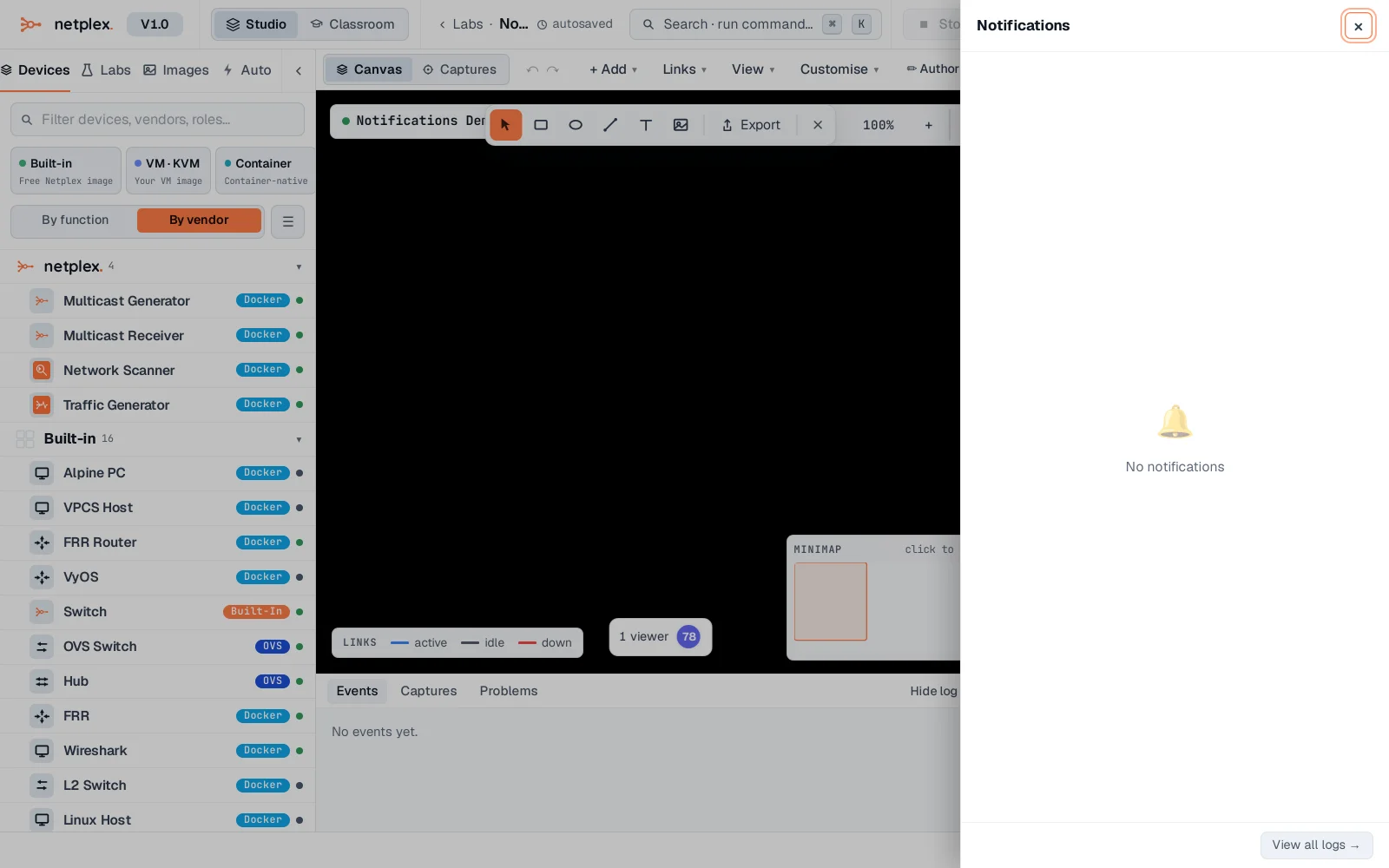
Notifications are session-wide, not per-lab - a host RAM warning shows up here no matter which lab you have open. For the play-by-play of what happened inside one specific lab (nodes added, links drawn, captures started), see "Read the event log" instead - the bell is for platform-level things, the event log is for this lab's own history.